Jun 09, 2026 · 6 min read
Russian Hackers Bypass Gmail MFA With App Passwords
A Russian intelligence linked group tracked as UNC6293 spent weeks posing as US State Department staff, then talked targets into generating a Gmail app password and emailing it back. No phishing page, no malware, and multi factor authentication never got in the way.
Most account takeovers fight your security. This one borrowed it. Google's Threat Intelligence Group and the University of Toronto's Citizen Lab documented a campaign in which attackers did not steal a password at all. They convinced the target to create a 16 character Gmail app password and send it over, handing the attacker a key that quietly skips the two step prompt. Google attributes the operation to UNC6293, a group it links to APT29, the same Russian service tied to the 2016 breach of the Democratic National Committee.
Key Takeaways
- UNC6293, linked to Russia's APT29, bypassed Gmail multi factor authentication without cracking a single password.
- Attackers impersonated US State Department officials, built rapport over 10 or more emails, then sent a fake six page PDF telling the target to create an app password and email it back.
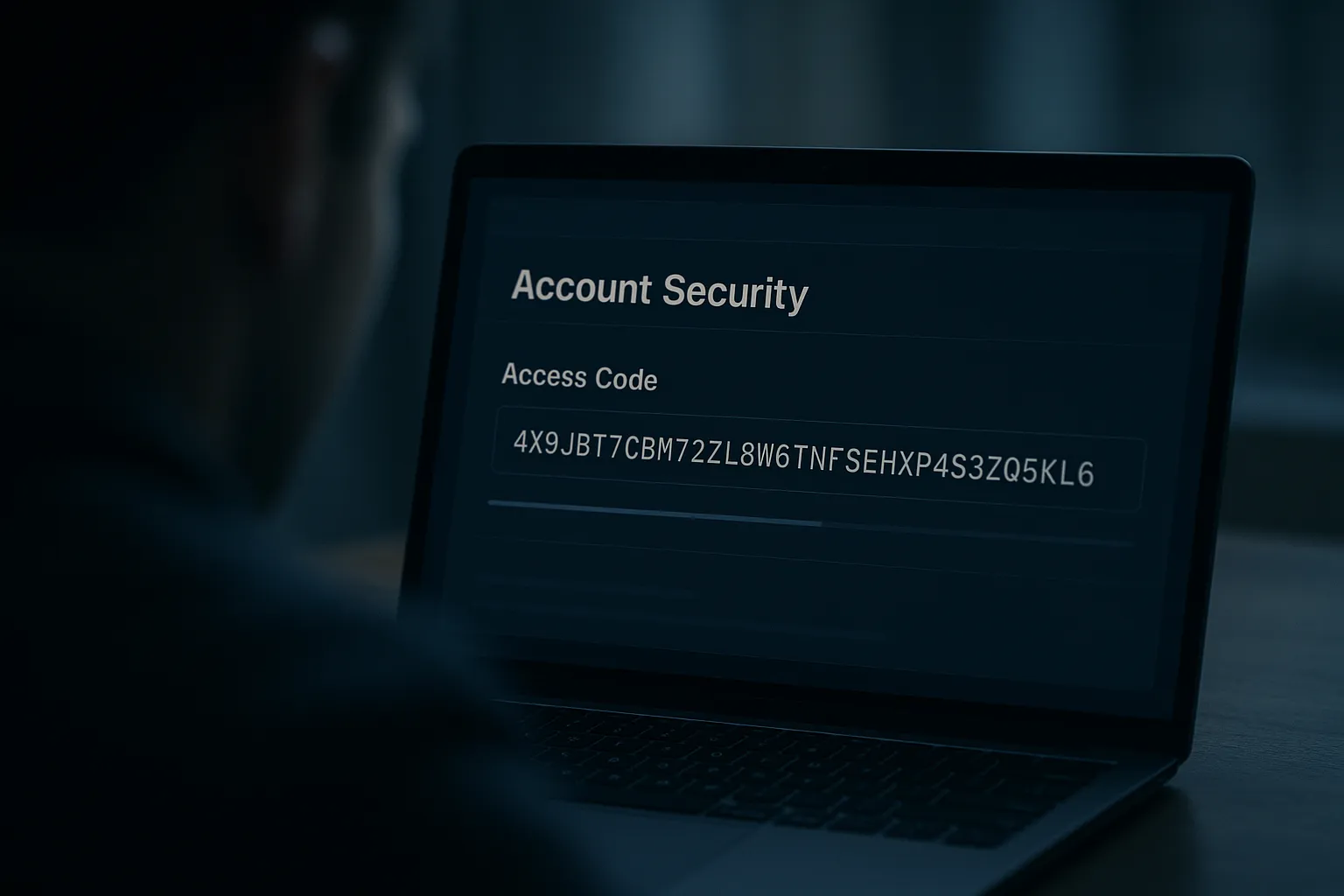
- An app password is a 16 character code that grants full mailbox access and is exempt from the two step login prompt by design.
- Targets included Chatham House analyst Keir Giles; a second wave focused on Ukraine themed contacts.
- Citizen Lab warned that "even a vigilant user would be unlikely to spot out of place elements," because the lure abused a real Google feature.
What Is a Gmail App Password?
An app password is a 16 character code Google lets you generate so that older software, which cannot complete a two step prompt, can still sign in to your mailbox. Think of an old desktop mail client or a calendar app that only understands a username and password. The app password is built to work around multi factor authentication, because the legacy app on the other end has no way to handle a phone prompt.
That design is the whole problem here. An app password is a standing credential with full access to your email that, by definition, never triggers the second factor. If an attacker holds one, your authenticator app and your security key are simply not consulted. The login looks like a normal connection from a mail program.
How Did the Attack Work?
The operation ran on patience rather than technical force. Emails arrived during US business hours from convincing fake state.gov addresses, one signed by an impostor using the name "Claudie S. Weber." The attacker exchanged 10 or more messages with the target over weeks, building a relationship and a pretext, before any payload appeared.
When trust was established, the target received a polished six page PDF on State Department letterhead with step by step instructions to "register" for a secure communication portal. The steps walked the victim through generating a Gmail app password labeled "ms.state.gov" and emailing the resulting code back. The victim did the dangerous part themselves, inside their genuine Google account, which is why nothing looked stolen. Citizen Lab assessed that the attackers likely used generative AI to remove the language errors that usually betray a foreign operation, and concluded that "even a vigilant user would be unlikely to spot out of place elements." Attackers who cannot talk a target into minting a credential now rent a kit that takes the session instead: BigBear 2.0 bypassed MFA at 258 Microsoft 365 organizations.
Who Was Targeted?
This was espionage, not a mass campaign. The targets were high value individuals in foreign policy and Russia analysis, including Keir Giles, a well known British analyst at the Chatham House think tank. A second wave shifted to Ukraine themed contacts. That focus tells you the goal was persistent, quiet access to the correspondence of people who matter to Russian intelligence, not quick financial fraud.
The same social engineering, stripped of the geopolitics, scales down to anyone. The lesson is not "I am not important enough." It is that a credential you can be talked into creating is a credential an attacker can use, and the AI written, error free lure that fooled a professional analyst is now cheap to produce. We covered that industrialization in AI now writes most phishing emails.
How to Check and Protect Your Account
App passwords are easy to forget about, which is exactly why they make a good backdoor. Take five minutes and do this:
- Open your Google Account security settings and review the app passwords list. Delete any you do not recognize or no longer use.
- Enroll in Google Advanced Protection, which disables app passwords entirely and requires a security key, closing this attack path for good.
- Never generate an app password because an email, document, or "portal" told you to. No legitimate organization needs your Gmail app password.
- Treat any inbound request to change your own security settings as the attack itself, no matter how official the letterhead looks.
It also helps to deny attackers the reconnaissance that precedes a campaign like this. Before the rapport building begins, an operator confirms your address is active and watched, often through tracking pixels embedded in an innocent looking first email. Gblock blocks those tracking and beacon requests in your browser, so opening a message does not silently confirm you are a live, high value target. That will not stop a determined human who has your attention, but it removes the cheap signal that gets you onto a target list in the first place. For the broader picture of what Google is seeing across Gmail, read Google's June 2026 scam advisory. Password guessing has also scaled sharply since. Huntress recorded a 155 times increase in credential spraying that never triggers an MFA prompt, because the deprecated grant it abuses posts your password straight to the token endpoint. The same operators have since moved the technique to messaging apps — Russian phishing of WhatsApp linked devices trades the app password for a device link that never shows an MFA prompt.
Sources: SecurityWeek and the Google Threat Intelligence Group and Citizen Lab reporting it cites.