Jun 09, 2026 · 6 min read
Google's June 2026 Scam Advisory: 3 Gmail Threats
Google's new fraud and scams advisory, published in June 2026, breaks down how phishing has mutated past the spam filter. Three of the techniques it names land directly in your Gmail inbox, your calendar, and your search results.
Fraud is no longer a nuisance at the edge of the internet. It is a $580 billion industry. That is the figure Google cited in its June 2026 fraud and scams advisory, drawing on the NASDAQ Global Financial Crime Report, and it works out to roughly one in five adults falling victim to a scam somewhere in the world. Cryptocurrency fraud alone cost Americans more than $11 billion in 2025.
The advisory matters because it is not a vendor pitch. It is Google's own read on what is reaching its two billion Gmail users, and the headline is uncomfortable: the most effective scams now arrive through channels you already trust. Here are the three that show up inside Gmail and the wider Google account, and what you can do about each one.
Key Takeaways
- Google's June 2026 advisory pegs global fraud losses at $580 billion for 2025, hitting roughly one in five adults.
- Three techniques target Gmail directly: Adversary in the Middle phishing, calendar invite phishing, and ClickFix fake update lures.
- Adversary in the Middle attacks steal your session cookie after login, sailing straight past multi factor authentication.
- Google is rolling out Device Bound Session Credentials to make stolen cookies useless on another machine.
- The common thread is the loaded remote resource—an image, a link, an invite—which is exactly what inbox hygiene and request blocking shut down.
What Is an Adversary in the Middle Attack?
An Adversary in the Middle attack, which Google abbreviates AITM, is a phishing technique that sits between you and the real login page and quietly copies everything you type. Instead of just stealing your password, the fake page relays your credentials to the genuine service in real time, captures the session cookie the service hands back, and uses that cookie to stay logged in as you.
That is why AITM is so dangerous: it defeats multi factor authentication. You complete the genuine two step prompt yourself, and the attacker simply walks through the door behind you with the session token. The advisory also flags "quishing," where the malicious link is hidden inside a QR code so no clickable URL ever appears for a filter to scan. Google says it is deploying Device Bound Session Credentials, which tie a session cookie to the device that created it, so a stolen token is worthless anywhere else.
For a deeper look at how attackers have automated this against Gmail specifically, see our coverage of AI written phishing now hitting inboxes.
How Does Calendar Phishing Work?
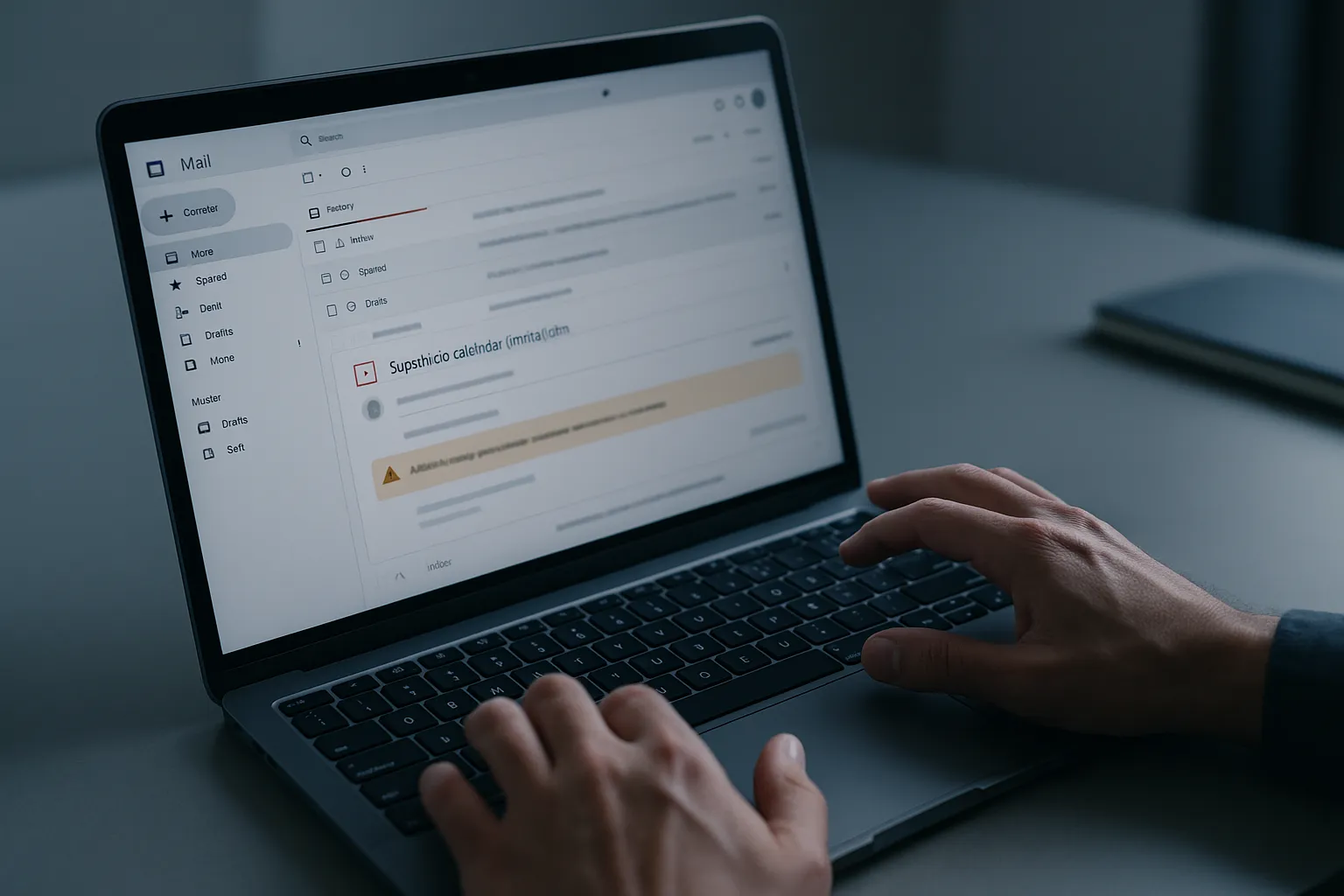
Calendar phishing skips your inbox entirely. Because Google Calendar can auto add events from incoming invitations, an attacker sends an invite carrying a fake subscription renewal or a "payment failed" notice, and it appears on your schedule as if you booked it yourself. The reminder then nags you with a link to a phishing form.
The trick works on trust. A calendar entry feels like something you created, not something a stranger pushed at you. Google's advisory recommends turning off automatic event creation from invitations in Calendar settings so that only events you explicitly accept ever appear. This is the same psychology behind fake "your storage is full" billing scams, which we broke down in the cloud storage payment scam.
What Is ClickFix?
ClickFix is a malware lure that disguises itself as a routine fix. A page, often hosted on a legitimate looking Google Sites address linked from an email, tells you a browser update or a verification step is required and asks you to copy and paste a command or run a small download. The "fix" is the infection.
The advisory notes that attackers increasingly host these lures inside cloud documents and abuse "invisible pages" to dodge automated scanners, then drive traffic to them through email. The defense is simple to state and hard to override in the moment: no legitimate website asks you to paste a command into your terminal or settings to "verify" yourself. If an email pushes you toward that, close it. The pretexts keep getting more official looking, too — attackers recently planted fake breach disclosures on Maine's official AG portal to give "your data was breached" emails a citable government source.
Why These Three Share One Weak Point
Notice the common mechanism. Every one of these attacks depends on your mail client or browser quietly loading a remote resource: a tracking image that confirms your address is live, a calendar invite pulled in automatically, a link to an externally hosted lure. The moment a remote request fires, the attacker learns you are real and reachable, and the next message is better targeted.
This is the same plumbing that marketing trackers use to log when you open an email. Attackers ride it for reconnaissance, building lists of confirmed, active inboxes before they send the convincing follow up. We documented exactly how that works in how hackers use tracking pixels to find live inboxes.
How to Protect Your Gmail Today
You do not need to wait for Google's longer term defenses to roll out. A few changes shut down most of the surface the advisory describes:
- Enroll high value accounts in Google Advanced Protection, which blocks the cookie theft that powers AITM.
- In Google Calendar settings, set event creation from invitations to "When I respond to the invitation in email" so nothing appears on your schedule unasked.
- Never run a command or download an "update" that a web page or email tells you to. Update software only from the vendor directly.
- Block the remote requests that confirm your inbox is active, so reconnaissance pixels never report back in the first place.
That last step is where a browser level blocker earns its place. Gblock stops the tracking and beacon requests embedded in messages before they leave your browser, so the silent "this address is live" signal that scammers rely on never fires. It will not replace good judgment on a calendar invite, but it removes the reconnaissance layer that makes the next scam land. Google's advisory is a useful map of where the threats are. Closing the remote request channel is one of the few moves that works against all three at once.