Sep 08, 2026 · 7 min read
39 New Passkey Attacks Hit Windows 11 and Entra ID
SpecterOps catalogued 39 publicly documented ways to compromise a passkey login. Almost none of them touch the private key. They go after the software around it, the prompt you click, and the recovery flow that runs through your inbox.
The pitch for passkeys was that the credential could not be phished. That claim survives this research intact, which is the part most coverage skips. SpecterOps showed that an attacker never needed the credential: a malicious application can politely ask the operating system's own authentication stack to produce a valid signed assertion, and the user approves it because the prompt is genuine. The key stays sealed in the enclave. The login still falls.
Key Takeaways
- SpecterOps counted 39 publicly documented methods for compromising passkey authentication, presented at Black Hat USA 2026 as Pass-the-Passkey.
- Microsoft patched CVE-2026-34348 on July 14, 2026, an information disclosure flaw where Windows 11 logged complete WebAuthn assertion responses; patched systems truncate the signature field to six bytes.
- SpecterOps reported that Microsoft Entra ID did not adequately enforce challenge uniqueness, session binding or signature counter verification, and said those gaps remained open at reporting time.
- The techniques cluster into three layers with no cryptography in them: local software calling the WebAuthn API, the credential prompt on screen, and the enrollment and recovery paths.
- Passkeys still defeat credential stuffing, database leaks and classic phishing pages, because the origin binding that makes them phishing resistant was never broken.
What Did the Researchers Actually Break?
Not the cryptography. They broke the assumption that a valid assertion implies a legitimate login attempt. BleepingComputer's write up quotes the finding plainly: "A malicious Windows application can ask the legitimate WebAuthn infrastructure to generate a signed assertion. The user sees what appears to be a legitimate Windows authentication experience, completes verification, and the attacker receives the resulting assertion."
No fake login page, no cloned domain, no stolen key. The malware is a local process that queues up in front of the real API and collects the output: assertion mining, assertion capture, assertion replay, challenge injection, detour replay, browser hooking. The Pass-the-Passkey repository published by SpecterOps, authored by Michael Grafnetter, ships working tooling for several, including a WebAuthn hook built on Microsoft Detours and a browser side Passkey Injector.
A second cluster targets the prompt rather than the API: prompt flooding, credential interface deception, application metadata spoofing, window handle spoofing, FIDO interface overlays, remote desktop passkey phishing. The dialog you approve is genuine, so it looks right. Something you never intended to authorise simply asked for it.
How Does an Assertion Replay Attack Work?
It works when the server accepts the same assertion twice. WebAuthn prevents replay through three server side checks: a challenge used once, a binding between the assertion and the session that requested it, and a signature counter that increments on every use.
Per the breakdown at CybersecurityNews, Entra ID was not adequately enforcing any of the three. The Windows 11 logging flaw supplied the raw material: CVE-2026-34348 wrote complete assertion responses into the operational event log, where a low privilege user could in some scenarios read the assertion from another user's login. Microsoft's July 14, 2026 fix truncates the logged signature to six bytes, keeping the diagnostic value and destroying the replay value.
Here is what the coverage understates. Those checks are the relying party's job, not the browser's, and the W3C Web Authentication specification leaves counter verification to server discretion. If a platform the size of Entra ID skipped them, the odds that every smaller service shipping passkeys got all three right are poor. Nobody has audited the long tail.
Why Is Account Recovery the Weakest Link?
Because recovery exists specifically to work when the strong factor does not. Shadow passkeys, enrollment vishing, attacker phone enrollment, help desk takeover, temporary credential abuse and SIM based recovery all appear in the 39, and none of them require malware on your machine.
The pattern never varies: an attacker who cannot beat your passkey enrolls a second one. A convincing call to a help desk, a reset link sent to an address the attacker already controls, a temporary access pass issued to the wrong person. The account now holds two legitimate credentials and only one is yours. The same structural gap let Russian hackers bypass Gmail MFA using app passwords instead of confronting it.
Are Passkeys Still Safer Than Passwords?
Yes, by a wide margin, and anyone reading this as a reason to go back to passwords has misread it. The origin binding still holds. A passkey registered to accounts.google.com will not sign a challenge from a lookalike domain however good the phishing page is, so credential harvesting pages do not work against it at all.
Compare the blast radius. A leaked password database exposes everyone in it at once, which is how 48 million Gmail logins turned up in one infostealer dump and how 183 million passwords surfaced in a single compilation. No passkey equivalent exists, because nothing on the server is worth stealing. Every technique in the catalogue is targeted: someone has to reach your endpoint, spoof your prompt or call your help desk about you specifically.
The timing is the real signal. This is the second passkey attack family to go public in roughly five weeks, after Unit 42 documented malware that hijacked Google synced passkeys in the pass-ta-key attacks. Adoption crossed the threshold where offensive research pays. Expect more.
What This Means for Your Inbox
Passkeys are increasingly how people sign into Gmail, Outlook and Microsoft 365, so a passkey bypass on those accounts is a mailbox compromise by definition. Entra ID sits directly in front of Microsoft 365 for a large share of corporate mail, which makes the validation gaps above gaps in front of business inboxes.
The recovery angle cuts deeper. Account recovery for nearly every service still terminates in an email message, which makes the inbox the master credential regardless of what protects it. An attacker holding one mailbox skips your bank, your registrar and your cloud console entirely: they request a reset on each and collect the links, which is how hijacked Outlook inboxes walk straight through MFA downstream. Harden the mailbox first. A passkey on your email is worth little if the account still accepts an SMS code.
How Do You Harden Your Own Logins?
Start by removing the fallback paths, because that is where most of these attacks land. SpecterOps recommends three controls for defenders: patch Windows 11 past July 2026 to enforce signature truncation, bind challenges to active sessions and track signature counters on relying party servers, and audit process telemetry for untrusted applications calling WebAuthn APIs. NIST SP 800-63B makes the same point about binding account recovery to the strength of the authenticator it replaces. For a personal account the list is shorter.
- Delete weak second factors. Once a passkey is enrolled, remove SMS codes and security questions. A fallback you leave enabled is one an attacker can force you onto.
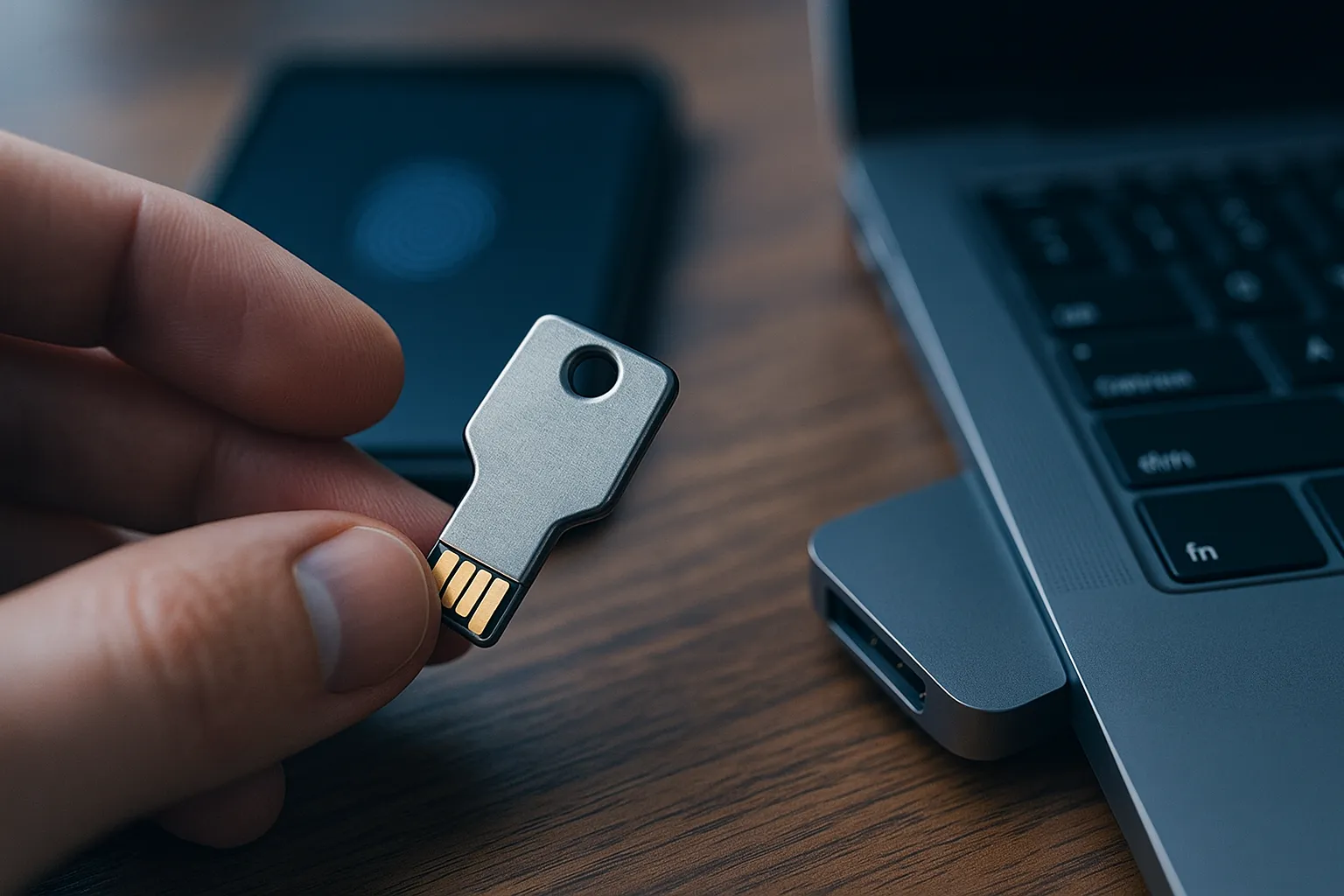
- Use a hardware security key where it matters. A physical key holds the credential outside the operating system, defeating most local software techniques here.
- Lock down recovery email and phone. Protect the recovery address as well as the account it recovers, and delete stale phone numbers. SIM based recovery is on the list of 39.
- Audit your browser extensions. Anything permitted to read and change data on all sites can manipulate a WebAuthn ceremony in the page.
- Treat an unexpected prompt as an incident. A dialog you did not trigger is prompt flooding, not a glitch. Never approve one to make it stop.
The Honest Summary
Thirty nine methods sounds like a collapse. It is not one. It is a map of an attack surface everyone knew existed and nobody had catalogued, published with the tooling so defenders can test against it.
What changed is where the weak point sits. For twenty years the credential was the problem, and the industry finally fixed the credential. The problem moved into the software that requests the signature, the dialog that authorises it, and the help desk that can issue a new one. That is the same shape as the identity platform gaps behind password spraying that surged 155x by skipping the MFA prompt. Keep the passkey. Remove everything standing next to it.
Attackers reached the same conclusion. Since May 2026 they have stopped attacking the passkey and started impersonating it, phoning employees as corporate IT to say a passkey enrolment is overdue. Microsoft traced that lure to sustained Microsoft 365 mailbox theft.
Attackers who reach tenant admin level may not need to break passkeys at all: TrustSink, a rogue Entra MFA provider, fakes a hardware key claim while harvesting plaintext passwords.