Oct 30, 2026 · 10 min read
Wistia Email Tracking Lives in the Link: How to Block It
Wistia's email embeds are a play button thumbnail wrapped in a link, and the link carries your email address in a parameter called wemail. The thumbnail is the same file for every recipient. The click is what names you.
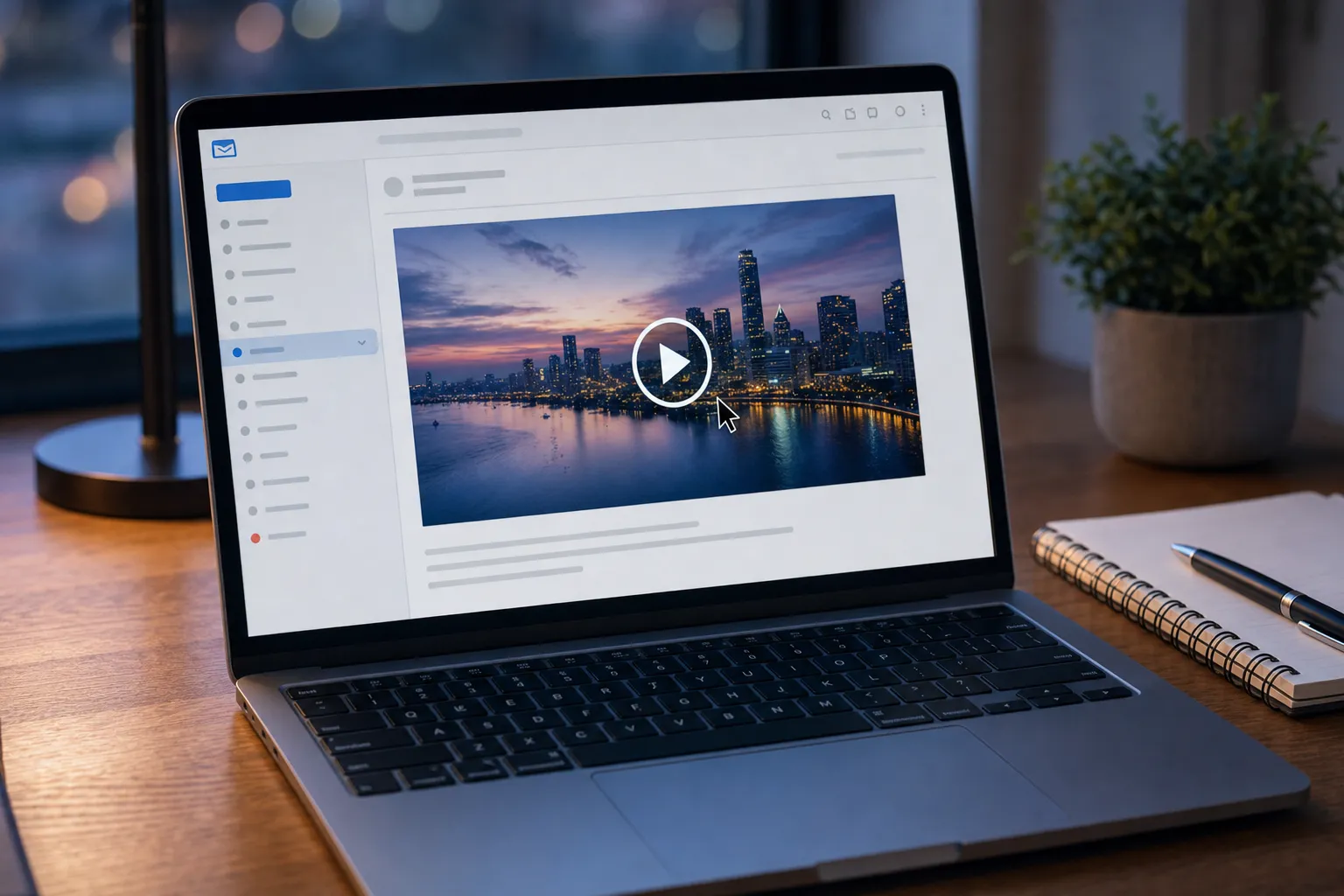
A marketing email arrives with a big video still and a play button in the middle. It looks like a player. It is a picture. Click it and a Wistia page opens, the video starts, and the company that sent the email now knows that you, by address, watched 62 percent and replayed the part about pricing. That is Wistia email tracking, and it works differently from the spy pixels most blockers are built for: the image does nothing special, and your identity rides in the link itself.
Key Takeaways
- Wistia's email campaign embeds append the recipient's address to the video link as a wemail parameter, filled in by the sending platform's merge tag, such as {{contact.email}} for HubSpot.
- Wistia's own documentation says that when you click through, it will "capture the user’s email address and associate it with that person’s viewing session."
- Wistia's analytics give the sender a heatmap for every viewing session, plus device, IP address and location, and its HubSpot integration pushes 1%, 25%, 50%, 75% and 100% watch milestones onto your contact record.
- On October 30, 2026, we generated a Wistia email embed and found the thumbnail URL on embed-ssl.wistia.com carries no recipient identifier, so the image cannot tell one reader's open from another's.
- Gblock does not block Wistia today: the thumbnail is too large for its pixel check, and wemail is not on its list of stripped link parameters, so removing it by hand is the reliable fix.
How Does Wistia Video in Email Work?
Wistia video in email is a still image linked to a web page, because inboxes do not play video. Wistia's help article on email campaign embeds says so directly: "Most email clients have yet to support true video-in-email. The thumbnail will include a play button in the image to indicate that it’s a video link."
Senders pick their email platform in Wistia, and Wistia formats the link with that platform's merge tag. The help article lists more than twenty. A few, verbatim:
- HubSpot:
{{contact.email}} - MailChimp:
*|URL:EMAIL|* - Klaviyo:
{{email}} - Marketo:
{{lead.Email Address:default=noemail}} - ActiveCampaign:
%EMAIL%
The parameter that receives it is named in the same article. Senders using their own landing page are told to "add a query string parameter to the URL in which the user’s email will be passed. In this case, add ?wemail=". When the email goes out, the sending platform swaps the merge tag for your real address, one recipient at a time.
What Does a Wistia Email Embed Look Like in the Code?
It is one link around one image, with your address on the link. Wistia's developer guide to generating email embeds explains that "The recipient's address is appended to the watch-page link as wemail=... . When the viewer clicks through and watches, Wistia ties that play to their email address, so the engagement shows up against the right contact in your analytics."
We tested it on October 30, 2026. We asked Wistia's public oEmbed endpoint for an email embed of a public Wistia demo video, formatted for HubSpot. It returned this (thumbnail options trimmed):
<a href="http://home.wistia.com/medias/e4a27b971d?wemail={{contact.email}}"><img src="https://embed-ssl.wistia.com/deliveries/2d2c14e15face1e0cc7aac98ebd5b6f040b950b5.jpg?image_crop_resized=900x506&image_play_button_color=174bd2e0..." width="450" height="253" /></a>
Asking for Klaviyo swapped the tag to wemail={{ email }}. Asking for Mailchimp returned a Mailchimp merge block instead, beginning *|WISTIA:[$vid=e4a27b971d, $max_width=450, ...]|*, which Mailchimp renders into its own thumbnail and link. Choosing no provider produced the same thumbnail with a plain link and no wemail at all. Identification is a choice the sender makes when picking a provider, and it is the reason the feature exists.
Is the Wistia Thumbnail a Tracking Pixel?
No evidence says it is, and our test points the other way. Wistia's email docs describe tracking views, not opens, and the image address in every generated embed was identical: the same delivery hash and the same display options, with no slot for a recipient. A file that every reader requests with the same URL cannot report which reader opened the message.
The file itself looked like a normal picture. Fetching the thumbnail from embed-ssl.wistia.com returned a 21,444 byte JPEG with a one year cache lifetime (max-age=31536000) and no cookie. DNS shows embed-ssl.wistia.com resolving to an Amazon CloudFront distribution, while fast.wistia.com, the host of the oEmbed endpoint, resolves to Fastly. In Gmail, Google fetches the image through its own proxy anyway; Google's Gmail image help page says "Senders can’t use image loading to get information about your computer or location."
Two caveats. The email that carries the video may still contain the sending platform's own open pixel, separate from Wistia; our HubSpot tracking guide covers one common case. And we tested one public video, not every account's settings.
What Does the Sender See After You Click?
The sender sees who you are, how you watched, and where you watched from. The email campaign article promises that "When you view the analytics for your media, you’ll see stats for each person who clicked through from your email campaign." Wistia's other help pages fill in the detail:
- Your name on the list. In Wistia's viewer analytics, the Identified viewers tab "lists only viewers identified via a Wistia Form or an email campaign link." A blue box marks a viewer "identified by a name and/or email address."
- Your session, second by second. Per Wistia's heatmaps page, "Each public view of a Wistia-hosted media file generates a heatmap." White means you skipped a section, green means you watched it once, and yellow through dark red mark rewatches.
- Your device and network. The same page says expanding a viewer shows "device (browser and environment), IP address, and the page where they played the media." The live View Stream adds "geographical location."
- Your CRM record. Wistia's HubSpot integration guide sends events "for every identified user": "Played 1% (clicked play), 25%, 50%, 75%, and 100% of the media," links clicked in videos, and forms submitted, and "you’ll see video heatmaps in your contacts' timelines."
The data does not stay in one dashboard either. The campaign article adds that it can be "exported to a spreadsheet using the export to CSV feature" or pulled through Wistia's Stats API.
Why Is Wistia Different From Vidyard?
Wistia writes your actual email address into the URL; Vidyard uses an opaque token. Our Vidyard tracking guide shows its sales video links carrying a vyetoken value that only Vidyard can turn back into a person. A Wistia link like home.wistia.com/medias/...?wemail=you@company.com needs no lookup at all.
That has a side effect the docs do not discuss. Anything that records full page addresses now records your email address too: your browser history, any proxy your employer runs, and, when the sender embeds the video on its own site, that site's other analytics scripts. Forwarding is worse than with a token. Pass the email to a colleague and their click arrives labelled with your address, because the address is literally in the link they clicked.
What This Means for Your Inbox
The usual inbox defense against tracking is to stop images, and against Wistia that defense is aimed at the wrong thing. Blocking the thumbnail just leaves a blank box; the tracked link survives underneath, address included. Our explainer on open tracking versus click tracking covers why the click is the more revealing half, and Wistia is a clean example: no open signal from the image, a full viewing profile from the click.
Some senders do turn the identity part off. Wistia's privacy and data protection page describes a Privacy mode that "only collects fully anonymized viewing data by disabling session tracking and anonymizing the IP addresses of your viewers." Under it, per the Player Privacy Mode docs, a play "won't be tied to a person, email, or a returning session." That is the sender's switch, though, and nothing in the email tells you whether it is on.
How Do You Check and Block Wistia Email Tracking in Gmail?
Inspect the link, then remove your address from it before you open the video. Our guide to detecting tracking in Gmail walks through the raw message view in more detail.
- Hover the thumbnail. Read the address in your browser's status bar. A wistia.com link, or the sender's own page, ending in wemail= followed by your address is Wistia identification. In some marketing emails the link is first wrapped by the sending platform's click tracker, so the status bar shows that platform's domain instead.
- Search the raw message. In Gmail on desktop, open the three dot menu, choose "Show original," and search for wemail and wistia.
- Strip the parameter. Right click the thumbnail, copy the link, paste it into the address bar, delete wemail= and your address, then press Enter. The video plays as an anonymous viewer.
- Do not count on image blocking. Gmail's "Ask before displaying external images" setting hides the thumbnail but leaves the link intact.
- Ask the sender. Wistia Privacy mode and an email embed with no provider both remove the per person record. Only the sender can choose them.
Which Blockers Handle Wistia?
None of the common tools is documented to remove wemail, Gblock included. Here is what each one actually touches; our email tracker extensions guide compares them in general.
| Option | Wistia thumbnail | wemail in the link |
|---|---|---|
| Gmail, ask before displaying images | Hidden until you allow it | Untouched |
| Deleting wemail by hand | Not needed | Removed, every time you remember |
| Ugly Email, PixelBlock | Pixel tools; not tested on Wistia | Out of scope, they work on images |
| Proton Mail | Blocks known spy pixels by default | Cleans links from a blocklist; wemail coverage unpublished |
| HEY | Blocks spy pixels | Not documented for this parameter |
| Gblock | Not blocked: no named Wistia rule, and 21,444 bytes is far above its 150 byte pixel check | Click is routed through Gblock's proxy, but wemail is not on its stripped list, so it reaches Wistia |
Proton's tracking protection page describes link cleaning as a web app feature that removes known tracking parameters; it does not publish the list. Gblock's list, checked in its source code on October 30, 2026, covers UTM tags, ad click IDs and email platform tags such as HubSpot's _hsenc and MailerLite's ml_subscriber, but not wemail. Gblock still earns its place for the rest of the email: the sending platform's own open pixel and redirect wrappers are exactly what it targets. For every option side by side, see how to block email tracking in Gmail.
What We Could Not Verify
We did not receive a live Wistia campaign email, so we have not seen how each platform encodes the address inside wemail, or whether a given sender wraps the link in its own click tracker. We did not confirm whether Privacy mode is on by default for new accounts; Wistia's docs say only that senders can change the default. Our thumbnail test used one public demo video via Wistia's oEmbed endpoint on October 30, 2026. Everything else rests on Wistia's help center and developer docs as of that date.
Bonjoro goes a step further: its personal video links put the identifier in the address path itself, so there is no parameter to delete. See our Bonjoro email tracking guide.