Nov 11, 2026 · 10 min read
Bonjoro Email Tracking: What Video Emails Report Back
Bonjoro counts your open with a pixel, counts a view once you pass 25 percent of the clip, and logs the thank you button, the call to action and any reply. Because every personal video gets its own page, the identifier sits in the address itself, so there is no tag to strip.
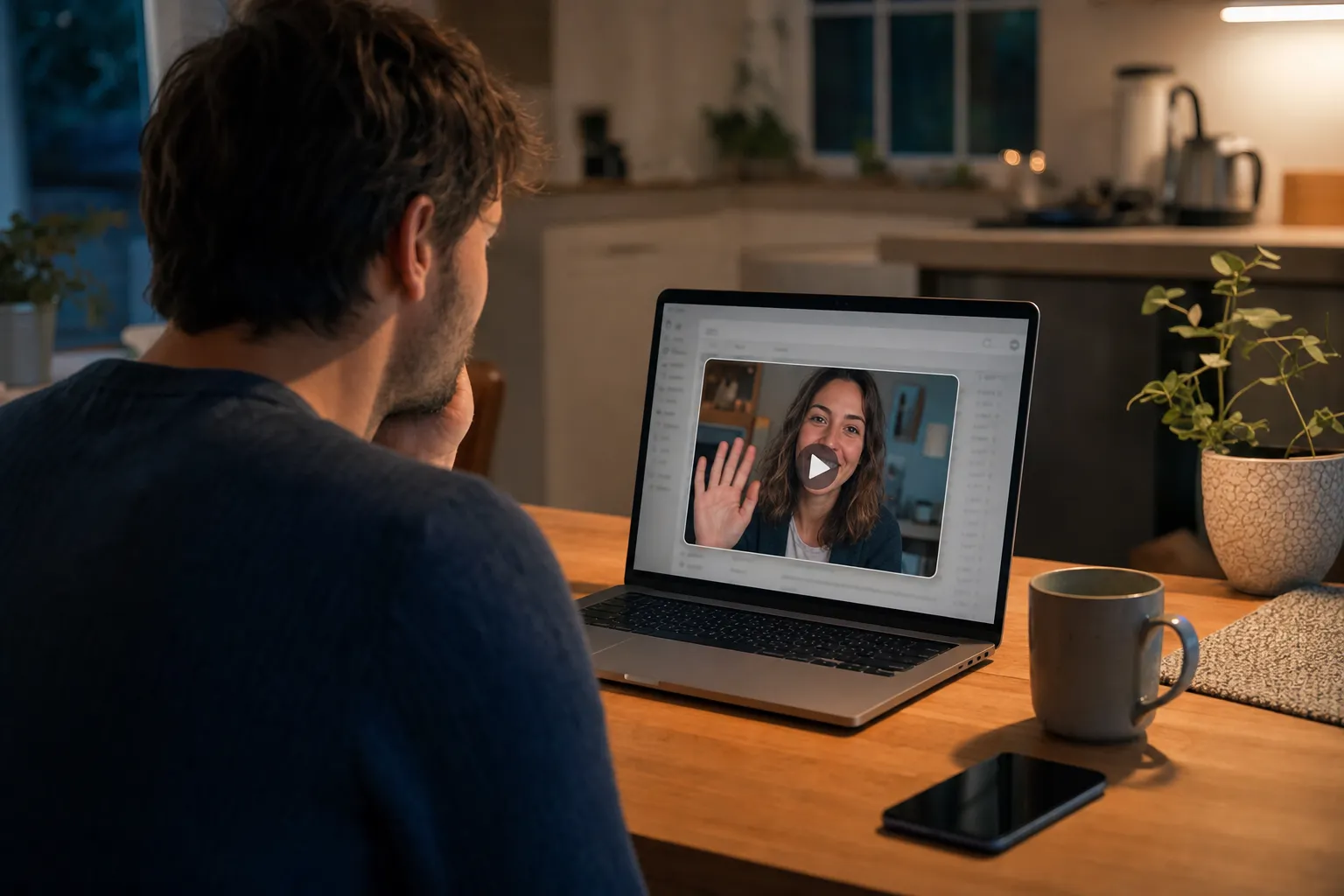
A new customer signs up for an online course, and an hour later an email lands: the founder smiling and waving in a little video still, with a line that says they recorded this just for you. They did. That is the pitch of Bonjoro, a personal video tool built for sales and customer onboarding. Bonjoro email tracking is the other half: a results screen showing whether you opened, watched, tapped thank you, or clicked the button under the video. We read Bonjoro's documentation and the code behind its video pages to see what reports back, and what an inbox blocker can do about it.
Key Takeaways
- Bonjoro's Results tab shows the sender delivery, email opens, video views, clicks on the thank you icon, clicks on the call to action button, and replies typed on the video's landing page.
- Bonjoro's own stats post says it uses tracking pixels to count opens, and that it counts a view only after 25% of the video has played, or 3 seconds for very short videos.
- Bonjoro's video page code addresses each personal video by a slug in the URL path (/g/ followed by the slug) and reports views and reactions back to that same address, so the identifier cannot be stripped from the link the way a query parameter can.
- On November 11, 2026, two public Bonjoro video pages from Bonjoro's own account made requests to 32 hostnames outside bonjoro.com and bonjoro.co, including Facebook, LinkedIn, X, Google Analytics and the session replay service FullStory.
- Gblock's built in blocklist has no Bonjoro rule, and no inbox tool can stop the view, because your own browser reports it when you press play.
What Is a Bonjoro Video Email?
A Bonjoro video email is a short delivery email with a still image or GIF from the video, linked to a branded landing page where the video actually plays. The sender records one clip per person, and Bonjoro handles delivery, either from a default address on inbound.bonjoromail.com or, once connected, from the sender's own Gmail, Outlook or verified domain. Bonjoro's help article on delivery and open rates describes the moving preview: "We can also turn the first few seconds of your bonjoros into a gif that will play in the recipients inbox."
The landing page adds a call to action next to thank you and reply buttons. Bonjoro's article on boosting view rates puts the average view rate at "around 70%".
What Does Bonjoro Email Tracking Record?
Bonjoro records six things per message, all listed on the sender's Results tab. Bonjoro's post on its redesigned interface spells out each icon, verbatim:
- Paper plane: "Delivery success"
- Email icon: "Opens of each Bonjoro delivery email sent."
- Play icon: "How many views (hover for number)"
- Heart icon: "This shows when the "Thank you" icon is clicked on a Bonjoro"
- Arrow icon: "If your CTA button has been clicked"
- Replies: "Replies typed by recipients on your video's landing page"
The same post says senders can "search for individual Bonjoro recipients by their name or email address" and filter by opened, viewed, thanked or clicked. A view has a threshold. Bonjoro's stats breakdown says: "We track a ‘view’ after 25% of the video has been watched, or 3 seconds for very short videos." For a 30 second clip, that is roughly eight seconds of watching before your name moves into the viewed column.
Bonjoro does not advertise a second by second watch profile like Wistia's heatmaps; its public pages describe a view count, not a timeline of where you skipped.
Is the Bonjoro Thumbnail a Tracking Pixel?
Bonjoro counts opens with a tracking pixel, by its own account, and we could not confirm whether that pixel is the thumbnail or a separate image. Its stats post says "the tracking pixels that we use in emails to calculate open rates can be treated differently by different email systems". Another post, Why You Should Focus on Conversations, Not Clicks, adds that some recipients turn images off, "meaning the tracking ‘pixel’ used to track opens won't load and your email won’t register as opened."
The video still differs from Wistia's. Our Wistia tracking guide found the same thumbnail file served to every recipient, so the image could not name anyone. A Bonjoro is recorded for one person. On a public Bonjoro video page, the preview image sits at a cdn.bonjoro.com address built from that video's own ID, and we fetched it as a 63,024 byte JPEG from Amazon S3 behind CloudFront, with no cookie. If email thumbnails follow that pattern, each load points at one recipient's video; we have not seen a live delivery email to prove it.
Two caveats. Google's Gmail image help page says "Senders can’t use image loading to get information about your computer or location", so an open tells Bonjoro when, not where. And Bonjoro's delivery article warns that with Apple Mail Privacy Protection, "it is likely that all email sent to or handled by Apple Mail will be reported as "opened" regardless of the contact's activity". It adds: "Around 16% of messages sent by Bonjoro are opened by Apple Mail."
Where Does Your Identity Ride in a Bonjoro Link?
Your identity rides in the path of the link, not in a parameter you could delete. Bonjoro's landing pages run on a JavaScript bundle served from static.bonjoro.com. In the version we downloaded on November 11, 2026, the router maps personal videos to /g/:slug, and the page reports back with two calls to the same origin:
POST /g/{slug}/views, the call that records a viewPOST /g/{slug}/reactionswhen you press the thank you button
Neither call carries your email address. The slug in the path does that work, and because each personal video goes to one person, the slug is you as far as the Results tab is concerned. Compare the other video tools we have taken apart. Wistia appends your address as a wemail parameter, and our Vidyard tracking guide found an opaque vyetoken. Either can be deleted by hand, leaving an anonymous view. Delete a Bonjoro slug and there is no video left. Hippo Video goes further than a view count: our Hippo Video email tracking guide found its player logging the start and end second of every stretch you watch.
One exception. When a sender mails one recorded video to a whole list, Bonjoro's mailing list guide says "For mass emails we recommend using the 'Copy link' button and hyperlinking to a screenshot of your choice". That link is the same for everyone, so per person tracking then comes from the newsletter platform's own pixels and redirects.
What Else Loads on a Bonjoro Video Page?
On the pages we tested, a lot. On November 11, 2026, we loaded two public video pages linked from Bonjoro's mailing list guide (welcome.bonjoro.co, redirecting to crvideos.bonjoro.com) in headless Chrome and logged every request. Each page contacted 32 hostnames outside bonjoro.com and bonjoro.co, among them:
- Ad pixels: connect.facebook.net, px.ads.linkedin.com, static.ads-twitter.com and ad.doubleclick.net
- Analytics: Google Analytics, Google Tag Manager, Segment and Amplitude
- Session recording and heatmaps: FullStory, which received a recording bundle at rs.fullstory.com, and Crazy Egg
- Support and billing scripts: Intercom, Stripe and ProfitWell
Both pages belong to Bonjoro's own team account. We did not load a customer's personal /g/ page, and we cannot say the same scripts run there. Bonjoro's privacy policy does say "We don't honor Do Not Track signals," so turning on Do Not Track will not switch it off.
What This Means for Your Inbox
A Bonjoro email splits tracking into two halves, and only one of them happens in your inbox. The open is a pixel, the same mechanism behind most marketing email, and the kind of thing an inbox blocker can stop. Everything else happens on a web page you chose to visit, reported by your own browser. Our explainer on open tracking versus click tracking covers why the click side usually reveals more, and Bonjoro is an extreme case: the click is the whole product.
Ignoring the video is a signal too. Bonjoro's view rate article tells senders they can "set up workflow to resend unviewed messages as a plain text email after an interval of your choice (we resend ours after 1-3 days)."
The privacy policy adds that "the System will capture the email address of your recipients, as well as publicly available information from social media and other internet sources." For access or deletion, it sends recipients elsewhere: they "should direct their query to the Bonjoro's Client (the data controller)", meaning the company that sent you the video.
How Do You Block Bonjoro Email Tracking in Gmail?
Block the open pixel in the inbox, then decide deliberately whether to press play. Our guide to detecting tracking pixels in Gmail shows the raw message view in more detail.
- Turn off automatic images. In Gmail settings, choose "Ask before displaying external images." The pixel and the thumbnail both stay dark until you allow them.
- Read the raw message. On desktop, open the three dot menu, choose "Show original," and search for bonjoro. Note which image addresses appear besides the video still.
- Hover before you click. A link with /g/ in the path, on a bonjoro.com or bonjoro.co host or a custom domain the sender set up, possibly behind a redirect, is a personal video tied to you. Opening it alone loads the page; watching past the threshold registers a view.
- Skip the buttons you do not mean. Each of the heart, the call to action and the reply box is logged on its own.
- Ask the sender. Bonjoro sends recipients to its customer for data requests, so email the company directly if you want your record deleted.
There is no clean way to watch anonymously: a private window keeps cookies out, but the address still names the video, and the video names you. In the Bonjoro help pages we read, we found no setting that turns view tracking off.
Which Blockers Handle Bonjoro?
Pixel blockers can reach the open; none can reach the view. Our Ugly Email, PixelBlock and Trocker comparison covers the free tools in more depth.
| Option | Open pixel | Video view on the landing page |
|---|---|---|
| Gmail, ask before displaying images | Stops it until you allow images for that message | Untouched |
| Ugly Email, PixelBlock, Trocker | Pixel tools that work from their own tracker lists; not tested on Bonjoro | No; nothing in the inbox can stop a view your browser reports |
| Gblock | No Bonjoro rule in its built in list; has a rule for Postmark's open pixel and flags unknown images of 150 bytes or less | Link goes through Gblock's proxy, but the slug is the page itself, so the view still reports |
The Postmark rule may matter: bonjoromail.com's MX record points to inbound.postmarkapp.com, and both bonjoro.com and bonjoromail.com publish SPF records that include Postmark's spf.mtasv.net. We could not confirm that Bonjoro's open pixel is Postmark's, and messages sent through a connected Gmail or Outlook account may not touch Postmark at all.
Gblock differs from the free tools on upkeep and reach. It loads a server side blocklist on top of the built in one, so new trackers are added without an extension update (we did not inspect that list for Bonjoro). It also strips tracking parameters and routes clicks through its proxy, so the first redirect sees Gblock's server instead of you, all inside Gmail. For every method side by side, see how to block email tracking in Gmail, or the roundup of email tracker Chrome extensions.
What We Could Not Verify
We did not receive a live Bonjoro delivery email, so we have not seen its pixel's host, the exact thumbnail or GIF address, or whether the plain text template carries any tracking. We did not load a customer's /g/ page; the third party scripts above come from two public recordings on Bonjoro's own account. Bonjoro's help center blocks automated readers, so we read three of its articles through Internet Archive snapshots from 2025. Bonjoro's own figures also vary: the conversations post gives a view rate "around 47%", the view rate article "around 70%".