Aug 27, 2026 · 7 min read
SynkLoader Fakes a Windows Lock Screen to Steal Logins
A Teams message from "IT Service Desk" ends with an MSI called PowershellCleaner, a bundled Python runtime hiding in a folder named fl\ang, and a lock screen that is not a lock screen. Expel published the teardown on 20 August 2026 after luring the operators onto a fake network.
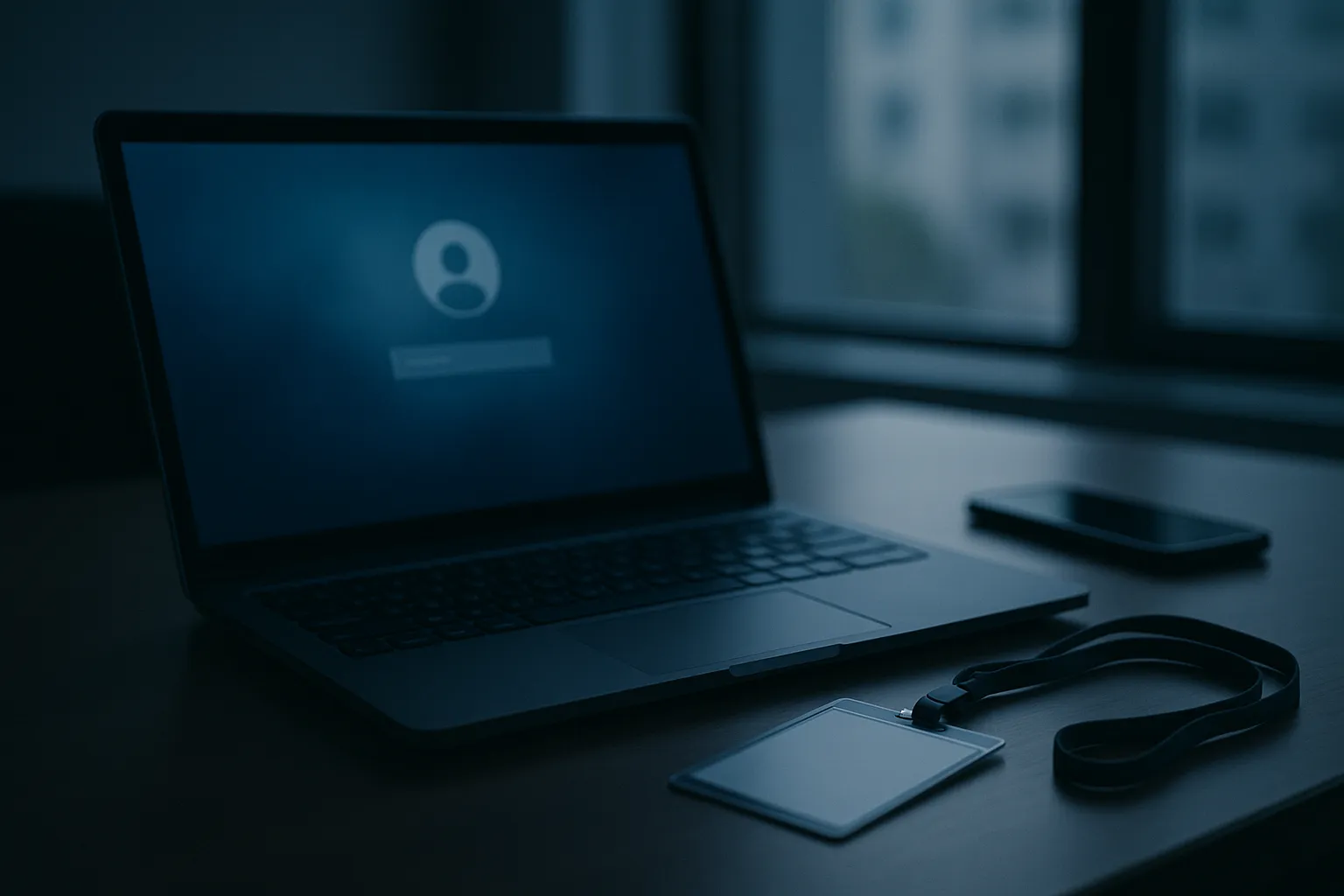
The lock screen looks right. It pulls the same wallpaper Windows keeps in C:\Windows\Web\Screen, prints the correct username, shows the clock in the corner. Type your password and it lets you through. It let you through because it never checked the password. It only wrote it down.
Key Takeaways
- Expel published its SynkLoader analysis on 20 August 2026, two days after an EDR scheduled task alert exposed it; compile timestamps date the build to roughly 28 July 2026.
- SynkLoader arrives as an MSI named PowershellCleaner, pushed over Microsoft Teams by an account displaying as "IT Service Desk" and served from a Microsoft Azure blob storage URL.
- The PhishLocker module draws a full screen imitation of the Windows 11 lock screen and accepts any password, capturing the plaintext credential instead of the NTLM hash that Mimikatz would have to dump.
- A module called TrafficRedirector turns the victim's machine into a reverse proxy, so the attackers sign into corporate systems from the employee's own IP address.
- Expel assesses with low to medium confidence that the toolkit belongs to a ransomware crew or an initial access broker, because one module does nothing but count the computers in Active Directory.
What Is SynkLoader?
SynkLoader is a modular malware loader, previously undocumented, that Expel researcher Marcus Hutchins found on a client network on 18 August 2026 and named for its everything but the kitchen sink construction. It stitches together Python, PowerShell, C# and C++, with some modules using three languages at once. Rather than simply detonating it, Expel reverse engineered the loader, emulated its command and control protocol, and fed the operators a fictional Active Directory of several thousand hosts. The bait worked, as BleepingComputer reported: the attackers went hands on keyboard against a network that did not exist and handed over most of their toolkit.
The chain is deliberately tedious. The MSI drops archive6.zip and cleaner.ps1 into %LocalAppData%\PowershellCleaner\script. That script spawns a hidden PowerShell window carrying hex encoded text reassembled with -join [char[]] and run through iex, which decrypts a Base64 wrapped AES-CBC blob and executes it as a dynamically built script block. No PowerShell touches the disk after the first stage. The final script creates a random 16 character folder under %AppData%, unpacks the archive into a nested fl\ang subdirectory, and launches ss.py using a copy of pythonw.exe the attacker shipped along, because Windows has no Python of its own.
Two files masquerade as Microsoft C runtime libraries. msvcp150.dll executes PowerShell in memory; msvcp160.dll exports one function, RunDllFunction, which manually maps further DLLs into memory so they never hit disk. A DLL whose job is loading DLLs, called from Python, is effective precisely because endpoint tools scrutinise a native process side loading a library far more closely than a Python script doing the same thing.
How Does the Teams Help Desk Lure Work?
It works because Microsoft Teams lets any external Microsoft 365 tenant message your staff by default, and a display name costs nothing. Expel recovered metadata showing an account on a <company>.onmicrosoft.com domain, the free default Microsoft hands every tenant, presenting itself as "IT Service Desk" with a plausible human name attached. The installer link pointed at filereserve.blob.core.windows.net: to an employee checking whether a download looks legitimate, a Microsoft domain with a valid Microsoft certificate. That is the point of hosting it there.
Microsoft documented the same opening move in its April 2026 write up on cross tenant help desk impersonation, noting that attackers favour trial tenants because they can be created in minutes with no vetting. Expel's Q2 2026 threat report puts numbers on it: identity attacks made up 68.1% of the incidents its SOC handled, and targeted attacks climbed from the teens in April and May to 38.4% of endpoint incidents in June, with Teams phishing driving most of the jump.
This is the third distinct payload we have covered behind an identical opening in five months. In March the same pretext ended in a Quick Assist remote session. In April, UNC6692 spam bombed inboxes, called on Teams, and left behind a Chrome extension that emptied Active Directory. Now it is a bundled Python runtime. The lure never changes, which suggests it does not need to.
Why Does a Fake Lock Screen Beat a Phishing Page?
Because there is no address bar to check. Every piece of advice ever given about phishing pages assumes the victim can inspect something: the domain, the padlock, the certificate. A lock screen has no browser furniture at all. Nothing to hover over, nothing to compare, and one habit drilled in over twenty years, which is to retype your password whenever the screen looks locked.
PhishLocker reads the username through GetUserName, loads the machine's real lock screen background, and renders a borderless full screen window over everything else. Verifying the typed password against the Windows authentication API would have been trivial; the malware does not bother. Anything you type is accepted, so the screen dismisses cleanly and the moment passes without suspicion. Expel found two tells: the background never blurs when the password box takes focus, and the Alt+Tab menu still appears over the top, though the window steals focus back.
The reliable test is Ctrl+Alt+Del. Winlogon registers that combination before any other process gets the chance, and the hot key path is special cased so hooks are disabled and no application can swallow it. Microsoft's guidance on requiring Ctrl+Alt+Del at interactive logon calls it a trusted path for exactly this reason. A real lock screen answers it. PhishLocker cannot.
Most coverage treats the fake lock screen as a clever flourish on a busy toolkit. It is closer to the whole point. Dumping credentials from LSASS with Mimikatz is loud, needs elevation, and yields a hash. Asking politely yields the plaintext password from a standard user account with no memory access at all, and where a company runs single sign on, that string is the Entra ID password too.
What This Means for Your Inbox
The password typed into that fake prompt is usually the mailbox password. Corporate Windows logins are federated to Entra ID, and the same credential opens Outlook, SharePoint and, in mixed environments, the Google Workspace account behind them. SynkLoader needs no email exploit to reach your inbox. It asks an employee for the key while the employee believes they are unlocking their own laptop.
TrafficRedirector is what makes the follow up hard to see. Because it proxies the attackers' traffic through the infected machine, the mailbox sign in arrives from the employee's usual corporate IP address, at a normal hour, from an expected country. Conditional access rules built around impossible travel have nothing to fire on. From inside the mailbox an intruder reads password reset mail for every other service, and sends internal phishing from a genuine account with genuine thread history above it. Credentials taken this way rarely stay put either; they resurface in aggregated dumps of the sort we covered when 48 million Gmail logins turned up in an infostealer database.
Nothing in this chain is specific to Teams. It needs a chat platform where outsiders can message employees by default, and a file host the company already trusts. Slack Connect and external Google Chat satisfy both. Treat Teams as the current implementation, not the vulnerability.
How Do You Detect and Stop It?
Close the door first, then hunt for what came through it. Expel notes that module hashes are unique per infection, because each embeds the victim identifier, so hash based blocklists will not carry you far. Behaviour and configuration will.
- Restrict Teams external access. Scope external federation to an explicit allowlist of partner domains in the Teams admin centre, per Microsoft's guidance on managing external meetings and chat, and block trial tenants outright with
Set-CsTenantFederationConfiguration -ExternalAccessWithTrialTenants "Blocked". That setting is not on by default. - Apply application control. WDAC or AppLocker rules blocking unsigned MSI execution and binaries in user writable paths stop this chain twice: at the installer, and again at the attacker supplied
pythonw.exeunder %AppData%. An interpreter appearing in a user profile folder is the anomaly worth alerting on. - Hunt the persistence. Look for scheduled tasks with random 12 character names created through the Task Scheduler COM interface rather than schtasks.exe, triggering at logon and daily at 10 a.m. Pair that with DNS detections for
neversoftmain[.]net,rootfarmapp[.]net,tripinupdate[.]net,dondermicapp[.]netandaroclenetapp[.]net. - Deploy phishing resistant MFA. FIDO2 keys and passkeys will not stop the password being captured, and it is worth saying so plainly. They strip the value out of it, because a plaintext credential alone no longer produces a session anywhere that counts.
- Verify IT out of band. Check any unsolicited request to install software by calling the help desk on the number in your own directory, never one supplied in the chat.
- Teach one keystroke. If a lock screen appears unexpectedly, press Ctrl+Alt+Del. A genuine one answers. Anything else is a window pretending to be one.
Sources: Expel: SynkLoader, when you throw in everything but the kitchen sink; BleepingComputer: New SynkLoader malware pushed in Microsoft Teams phishing campaign; The Hacker News: WordlistLoader delivers Amatera via ClickFix, SynkLoader phishes Windows passwords; Microsoft Security Blog: Cross tenant helpdesk impersonation to data exfiltration; Microsoft Learn: Interactive logon, do not require CTRL+ALT+DEL; Microsoft Learn: Manage external meetings and chat; Expel: Q2 2026 threat report. Indicators are as published by Expel on 20 August 2026 and may be rotated by the operators.