Jul 07, 2026 · 6 min read
Is Saleshandy Tracking Your Email? How to Block It
That cold sales email in your Gmail may have already pinged the sender the instant you opened it. Saleshandy is a popular sales engagement platform whose tracking fires a real time notification the moment its hidden pixel loads in your inbox. Here is exactly what Saleshandy email tracking records about you, and how to make it stop.
Key Takeaways
- Saleshandy embeds an invisible 1x1 tracking pixel in outgoing emails and tracks both opens and link clicks by default, with no opt out or notice for the recipient.
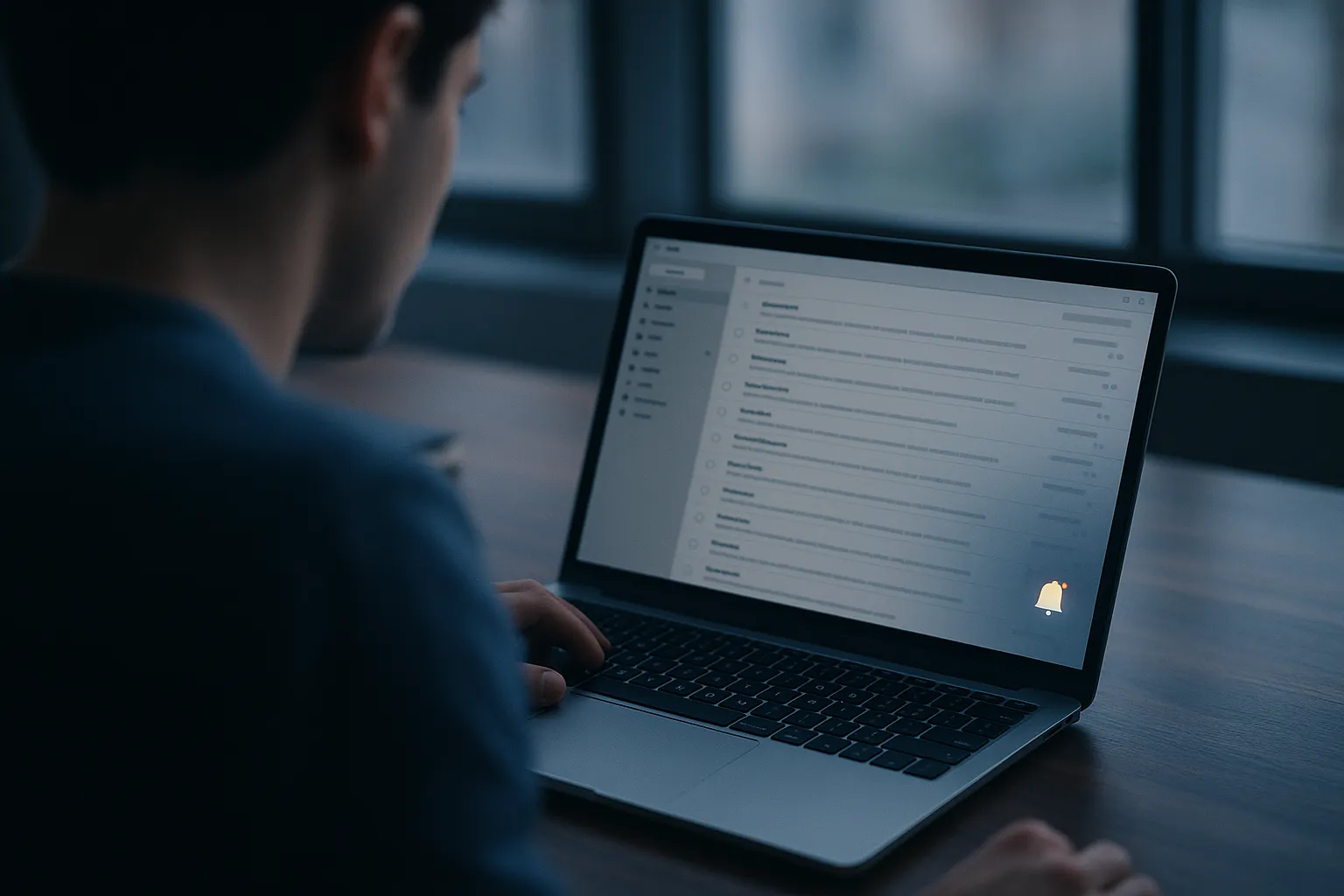
- The moment you open the email, Saleshandy sends the sender a real time desktop and push notification and logs the exact timestamp on their dashboard.
- One Saleshandy account can track unlimited Gmail mailboxes, and the full recipient activity log is viewable and exportable by the sender.
- Saleshandy itself warns that open tracking hurts deliverability, yet tracking is on by default and most senders leave it enabled.
- Gblock's auto updating blocklist covers Saleshandy's tracking infrastructure and blocks the pixel before it fires, so the sender sees no open.
What Is Saleshandy?
Saleshandy is an all in one cold outreach and sales engagement platform used by B2B sales teams to run large personalized email campaigns from their own Gmail or Outlook accounts. Alongside its full cold email sending platform, it offers a free Chrome extension, "Saleshandy Connect" (also marketed as "Email Tracker by Saleshandy"), that layers open and click tracking directly inside the Gmail interface.
Because Saleshandy sends from real individual mailboxes rather than a bulk marketing server, its messages look like a human wrote them one at a time. The tracking pixel rides along invisibly, recording your behavior whether or not you ever agreed to be measured.
Does Saleshandy Track Email Opens?
Yes. By default, Saleshandy embeds a tiny invisible 1x1 pixel image, hosted on its tracking server, inside the body of the emails it sends. When your email client loads that image, the request registers as a "hit" on Saleshandy's servers. That hit updates the sender's dashboard and immediately triggers a notification. You as the recipient get no setting to turn this off and no indication it happened.
Saleshandy reports each recipient's unique open count and the exact time your contacts opened the message. Because the pixel is a plain image request, it works silently across most email clients. For the difference between this kind of open tracking and the click tracking described below, see email open tracking vs click tracking explained.
What the Sender Sees When You Open an Email
Saleshandy hands the sender a rich picture of your behavior. The moment the pixel fires, the platform pushes a real time desktop and push notification, so the sender can literally see you reading their message as it happens. Their dashboard then records:
- A unique open count and a unique click count for each recipient.
- The exact timestamp of every open and every click.
- A full recipient activity log that the sender can view and export.
Like most pixel based trackers, the request that loads the image also exposes your IP address, which can be used to infer your general city or region. Gmail routes images through its own proxy, which masks your precise IP and often shows a Google data center location instead of your real one, but the open still registers. Apple Mail Privacy Protection distorts the open timing rather than stopping the pixel. For a full breakdown of what these signals reveal, see what your email metadata reveals.
How Does Saleshandy's Click Tracking Work?
Open tracking is only half of it. Saleshandy also rewrites the links in your email so they route through a tracking and redirect domain. When you click, your browser briefly visits Saleshandy's redirect server, which logs the click and the timestamp, then forwards you to the real destination. The redirect happens fast enough that you rarely notice the detour.
The practical result is that every link you click in a cold email tells the sender you engaged, when, and how often. Because click tracking measures a deliberate action rather than an image load, it is harder to fake and is one of the strongest signals a sales rep uses to decide when to follow up.
Does Open Tracking Hurt Deliverability?
Here is the twist that Saleshandy itself publishes: open tracking can quietly work against the sender. The tracking pixel is detectable by spam filters, and inserting one extra external image into a cold email is a signal some providers use to route messages away from the inbox. Woodpecker's 2025 data found that turning on open tracking can cut reply rates by up to 68 percent.
For that reason, Saleshandy lets senders toggle open and click tracking off, and the 2026 best practice trend among deliverability experts is to disable open tracking on cold campaigns entirely. Even so, tracking is on by default in Saleshandy, and most senders leave open and click tracking enabled because they value the visibility. In short: the pixel that is watching you is often not even in the sender's own interest, but it is still there.
How to Tell If an Email Was Sent via Saleshandy
Saleshandy emails arrive from the sales person's real Gmail or Outlook address, so they are hard to spot at a glance. To check, open the message in Gmail, click the three dot menu, and choose "Show original" to view the raw source. Search it for a small image URL hosted on a Saleshandy tracking domain, which is the open pixel. Then hover over any link in the email: if it points to a redirect or tracking domain rather than the real destination, that is Saleshandy's click tracking rewriting the URL.
For a repeatable method you can use on any suspicious message, see how to tell if your email is being tracked.
How to Block Saleshandy Tracking in Gmail
There are a few approaches, with different tradeoffs:
- Gblock (most effective): Gblock is a Chrome extension that blocks tracking pixels before they load in Gmail, including Saleshandy's tracking infrastructure. Its blocklist updates automatically, so new tracking domains are covered as they appear. Because the block happens before any request reaches Saleshandy's servers, the sender gets no open notification at all, and tracked links are stripped so clicks are not logged. You stay inside Gmail the whole time.
- Disable remote images in Gmail: In Gmail Settings, under General, then Images, choose "Ask before displaying external images." This stops pixels from auto loading, but it also breaks legitimate images and forces a manual click every time you open a message you trust.
- Apple Mail with Mail Privacy Protection: Apple Mail preloads all email images through Apple's proxy servers, which distorts your real open time and masks your IP. This only helps if you read email in Apple Mail rather than Gmail in a browser, and it does not stop the pixel from firing.
- Do not click links in cold emails: No tool hides a click if you actually click. To avoid click tracking, copy the destination URL from "Show original" and paste it directly into your browser instead of clicking.
For a full comparison of every blocking option, including Ugly Email, PixelBlock, and Trocker, see how to block email tracking in Gmail. If you also get high volume outreach from other platforms, check whether Smartlead is tracking your email.
Does Gblock Block Saleshandy's Tracking Pixel?
Yes. Gblock maintains a continuously updated blocklist that covers the tracking infrastructure used by cold email platforms including Saleshandy. When a Saleshandy email arrives in your Gmail, Gblock intercepts the pixel request before it fires and strips the tracked links so the redirect chain is broken. The result: the sender's dashboard shows no open and no click, and no real time notification is sent.
Unlike browser level image blocking, Gblock does this without breaking legitimate email images, so you still see any photos or graphics the sender genuinely included. Only the invisible surveillance pixel is stopped. Cold outreach is legal and common, but you have every right to read your inbox without your behavior being logged, scored, and pushed to someone's desktop in real time. The tools to take that privacy back already exist.
Sources: Saleshandy email tracking, Saleshandy on email open tracking and deliverability, Saleshandy Connect on the Chrome Web Store.