Nov 03, 2026 · 9 min read
Kustomer Email Tracking: Do Support Replies Report Reads?
Kustomer is a customer service CRM, not a newsletter tool, and its tracking story is about support replies. Its own help center says the email addresses it sends from support read receipts. Here is what that means when a Kustomer reply lands in Gmail.
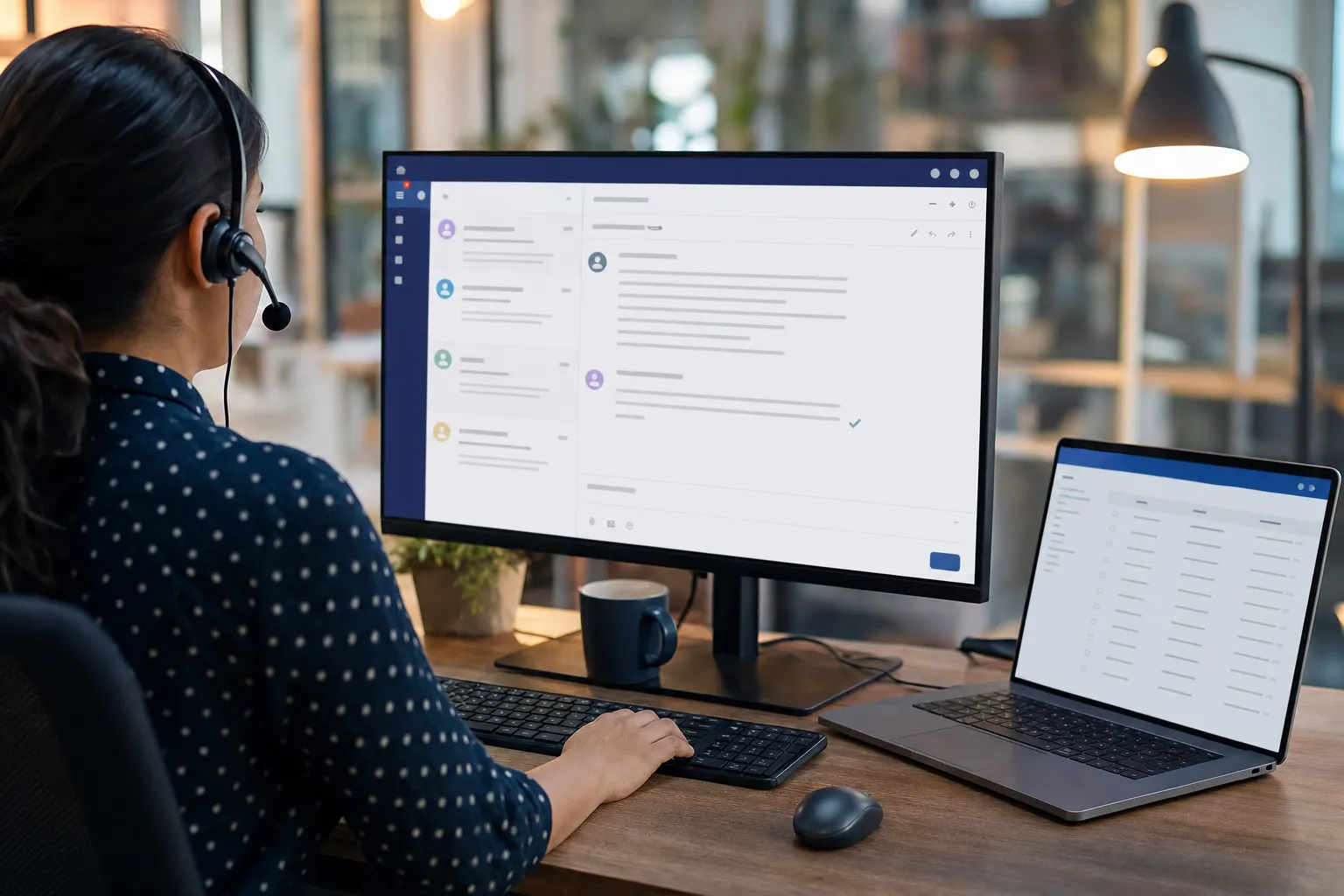
You emailed a retailer about a late order, and the reply came back signed by an agent called John. Behind that reply there is a good chance of a CRM, and if the company runs on Kustomer, Kustomer email tracking may have told John whether you read his answer. Kustomer's help article on receiving email says it plainly: "These email addresses support read receipts." This guide sticks to what Kustomer's documentation and public DNS records show, marks clearly what they leave out, and explains how to block it in Gmail.
Key Takeaways
- Kustomer's help center says emails sent from Kustomer aliases or a connected custom domain "support read receipts," while "read receipts are not supported when using the direct Gmail integration."
- Kustomer's bulk messaging guide states that "Read receipts are not available on bulk messages," so one to one support replies, not mass sends, are where reads get reported.
- Kustomer is "moving from Postmark as the primary email provider to Amazon Simple Email Service (SES)," and its migration guide warns that "bounce/complaint/open tracking events are provider-specific."
- The public SPF record for mail.kustomerapp.com, the domain behind Kustomer's system addresses, authorizes Postmark's sending network (spf.mtasv.net); Kustomer publishes no tracking hostname.
- Meta announced it was buying Kustomer in November 2020 for roughly $1 billion and spun it out as an independent company in May 2023.
What Is Kustomer, and Who Owns It?
Kustomer is a customer service CRM that puts a shopper's emails, chats and orders on one timeline for support agents. It made headlines when Facebook's parent bought it. According to CNBC, "Meta announced its acquisition of Kustomer in November 2020," paying roughly $1 billion, and in May 2023 the startup began its "next chapter as an independent company" with $60 million of fresh investment and a reported valuation of $250 million.
One correction to a common shorthand: Meta did not own Kustomer from 2020. The deal was announced that year but did not close until 2022, so Meta owned it for little more than a year before the May 2023 spinout. CNBC does not say how much of the company Meta kept, and neither do we.
Does Kustomer Track Whether You Read Support Emails?
Yes, by its own description, for most of the ways a company can send through it. Kustomer's article on receiving email in Kustomer has a section titled "Email considerations" that "applies to Kustomer aliases or emails sent via your connected custom domain." One bullet in it reads: "These email addresses support read receipts. However, read receipts are not supported when using the direct Gmail integration." A separate note on connecting Gmail repeats it: "Read receipts are not supported on the Gmail integration."
So the setup matters:
- System address. Every workspace gets a default address in the form support@ followed by the company's name and .mail.kustomerapp.com. Read receipts are supported.
- Custom domain. A company that sends as support@its own domain through Kustomer's mail service also gets read receipts.
- Direct Gmail integration. A company that connects a Google Workspace mailbox instead does not, according to both notes.
Kustomer does not say whether receipts are switched on by default, whether an admin can turn them off, or exactly how they appear on the agent's timeline. Its chat SDK documentation describes Sent, Delivered and Seen states for chat, but that page covers the chat widget, not email. Email has no built in way to report a read on its own; the standard technique is a remote image that loads when you open the message, which is how our explainer on open tracking versus click tracking describes nearly every sender's open signal. That Kustomer uses one is our inference, not something its help center states.
Are Kustomer Bulk Messages and Campaigns Tracked?
Not with read receipts, according to Kustomer. Its outbound feature for mass sends is bulk messaging, and the guide to sending bulk messages ends its checklist with two notes: "You can not edit a bulk message once it is sent," and "Read receipts are not available on bulk messages."
That flips the usual pattern. With marketing tools like Mailchimp, the newsletter is the tracked message. With Kustomer, the documented read signal sits on the personal reply, the one you are most likely to open quickly and more than once. We found no Kustomer documentation describing click tracking or link rewriting in any email, so we are not claiming either. Companies that use Kustomer often send newsletters from a separate marketing platform, and those carry their own trackers.
Which Domains Send Kustomer Email?
Kustomer's own mail goes out through Postmark today, with a move to Amazon SES under way. Its help article on enabling the Amazon SES email channel, published September 15, 2026, opens with "Kustomer is moving from Postmark as the primary email provider to Amazon Simple Email Service (SES)." It tells admins to "Flag any bounce/complaint/open tracking workflows that are Postmark-specific," and warns that those events "will stop working if not remapped." That is Kustomer itself listing open tracking among the email events its workflows consume. Amazon documents open events as a standard feature in its SES developer guide.
We checked public DNS on November 3, 2026:
- mail.kustomerapp.com publishes
v=spf1 a mx include:spf.mtasv.net ~all. spf.mtasv.net is Postmark's sending network. - kustomerapp.com authorizes both Postmark and Mailgun:
include:spf.mtasv.net include:mailgun.org.
These records say who may send the mail. They do not name the host that serves a tracking image, and Kustomer does not publish one. A company on a custom domain will send from its own address, so the sender line alone will not tell you Kustomer is involved.
What This Means for Your Inbox
Most coverage of email tracking aims at newsletters, where nobody is surprised. A support reply feels like a conversation with a person, and that is exactly where Kustomer's documented read signal lives. An agent can learn that you opened the refund answer at 11 p.m., or that you have not opened it at all, before deciding whether to follow up. The chat widget shows a Seen marker openly; the email shows you nothing.
Gmail softens this but does not stop it. Google's image help page says "Senders can’t use image loading to get information about your computer or location," because Google fetches images through its own servers. The fact of the open, and roughly when it happened, still gets through. Kustomer is not unusual here: we asked the same question of Zendesk, Intercom and Crisp, and helpdesk email keeps turning out to be as instrumented as marketing email.
For compliance teams running Kustomer, the read receipt is personal data about a named customer. Under the EU's GDPR, the company running the account, not Kustomer, decides whether collecting it is justified, and it should be in the privacy notice. Because the Gmail integration has no receipts at all, the sending setup is itself a privacy decision worth writing down.
How Do You Block Kustomer Email Tracking in Gmail?
Stop remote images from loading on their own, then inspect what you receive. Our full guide on how to block email tracking in Gmail compares every option; for Kustomer specifically:
- Turn off automatic images. In Gmail on a computer, click Settings, then "See all settings," scroll to "Images," choose "Ask before displaying external images," and click "Save Changes." Any open image in a support reply stays dark until you allow it.
- Check the raw message. Open the three dot menu, choose "Show original," and search for kustomerapp, mtasv or amazonses in the headers and for image tags with long unique strings in their addresses.
- Add a custom rule. Once you have found an image host you want gone, Gblock's custom filters block it in every future email. Our guide to detecting tracking pixels in Gmail walks through finding it.
- Hover before you click. Kustomer documents no link tracking, but if a link's text and the address in your status bar disagree, a redirect sits in between.
- Ask the company. It chose the sending setup, and as data controller it owes you an answer about what it records.
How Does Gblock Compare to Ugly Email, PixelBlock, and Trocker?
None of the common Gmail blockers documents Kustomer coverage by name, Gblock included. Here is what each one actually touches; our roundup of email tracker Chrome extensions covers the senders' side.
| Option | Read tracking image | Tracked links |
|---|---|---|
| Gmail, ask before displaying images | Blocked with every other image until you allow them | Untouched |
| Ugly Email | Flags tracked messages with an eye icon; leans toward detection | Not its focus |
| PixelBlock | Blocks open pixels in Gmail | Leaves links alone |
| Trocker | Flags pixels across several webmail services | Flags tracked links |
| Gblock | No named Kustomer rule. It catches tiny images on its automatically updated blocklist and lets you add your own hosts. Untested on Kustomer mail. | With click protection on, links open through Gblock's proxy, which strips known tracking parameters, so the sender sees the proxy rather than you. |
Gblock's case is that it stays inside Gmail, so you keep your address and your workflow, and its blocklist updates without you doing anything. That helps with a vendor like Kustomer, whose tracker host is not public. We checked Gblock's extension source on November 3, 2026, and found no Kustomer entry, so today the Gmail image setting is the one option guaranteed to stop a Kustomer read image, because it stops everything.
What We Could Not Verify
We did not receive a live Kustomer reply, so we have not seen its read mechanism in a real message. Kustomer's public help center does not say whether read receipts are on by default, whether admins can switch them off, what the agent sees, or which host serves the image. We found no Kustomer documentation of click tracking. The ownership dates rest on CNBC's reporting; everything else rests on Kustomer's help center as read on November 3, 2026, public DNS on the same date, and Gblock's source code.