Jul 10, 2026 · 11 min read
Is Hunter.io Tracking Your Email? How to Block It
Hunter.io runs two separate tracking systems, its Campaigns product and a free Gmail extension called MailTracker, and both quietly embed an invisible pixel to log when you open a message. Here is how they work and how to stop them in Gmail.
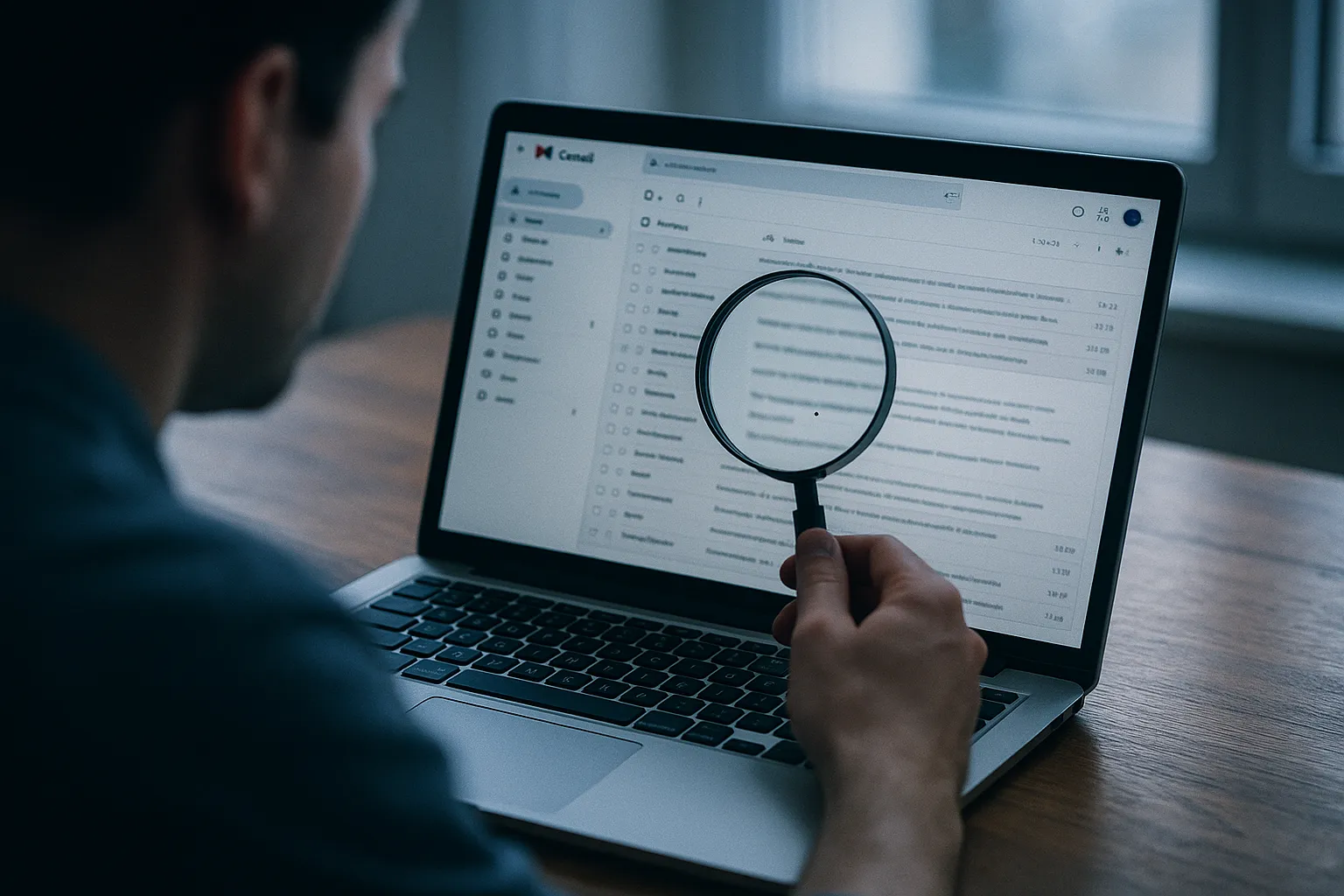
You open a cold email from a sales rep you've never spoken to. Ninety seconds later, before you've even replied, they already know you read it. Not because they're watching your screen, because a single invisible image, smaller than the period at the end of this sentence, just quietly phoned home to Hunter.io's servers and reported exactly when you opened the message, on what kind of device, and how many times you've looked at it since.
Hunter.io is best known as an email finder: the little search box millions of salespeople, recruiters, and marketers use to guess someone's work email address in seconds. Fewer people realize that underneath that reputation sit two separate tracking systems built to watch what happens after the email lands. One lives inside Hunter's Campaigns product for cold outreach sequences. The other is MailTracker by Hunter, a free Gmail Chrome extension anyone can install in a few clicks. Here's exactly how both work, what they reveal, and how to shut them off inside Gmail.
Key Takeaways
- Hunter.io Campaigns automatically inserts a unique, invisible tracking pixel into every email in a cold email sequence when a sender enables "track email opens," but only if that email contains HTML formatting, a plain text send gets no pixel at all.
- MailTracker by Hunter is a separate, free Chrome extension that embeds its own 1x1 tracking pixel into individually composed Gmail messages, tied to a unique ID per recipient, and pushes the sender a real time "seen" notification the moment you open the email.
- Hunter's own help documentation admits that reading offline or blocking remote images stops its tracking pixel from firing entirely, which is exactly what a dedicated blocker like Gblock forces on every message that reaches your inbox.
- Hunter says more than 7 million professionals use its platform, according to Hunter's own about page, which means the odds that today's unsolicited "quick question" email routed through Hunter's tracking infrastructure are higher than most recipients assume.
- Gblock runs inside Gmail and intercepts tracking pixel requests, including the ones both Hunter.io Campaigns and MailTracker rely on, before they ever load, so the sender's dashboard never registers an open.
What Is Hunter.io, and Why Would It Email You?
Hunter.io started as a tool for finding and verifying business email addresses, and that's still the feature most people associate with the brand. Over time the company built out a full outbound stack on top of that database: Domain Search, Email Verifier, and Campaigns, a sequence builder for sending multi step cold email outreach directly from Hunter's platform. According to Hunter's own about page, more than 7 million professionals now use the tool to build connections and grow their business.
That scale matters here. If you've ever received an unsolicited "saw your company and wanted to reach out" email, there's a real chance it moved through Hunter's Campaigns pipeline rather than a generic mail client. Hunter's state of cold email research is drawn from tens of millions of emails its own customers send every year, which tells you outbound tracking isn't a fringe feature bolted onto the product. It's core to how sales teams decide who to follow up with next.
How Does Hunter.io Campaigns Track Email Opens?
Hunter.io Campaigns tracks opens the same way nearly every cold email platform does: with an invisible image embedded in the message body. Per Hunter's help documentation on tracking open rate in Campaigns, when a sender turns on "track email opens" for a sequence, Hunter automatically inserts a unique tracking pixel into every email that sequence sends. When you open the message and your client loads remote images, your device requests that pixel from Hunter's server, and that request is the signal Hunter logs as an "open."
There's a detail here worth knowing if you want to spot Hunter's tracking on sight. The pixel only gets added if the email is HTML formatted. Hunter's own cold email guide notes that adding "some formatting, for example, links, bullets, or bold text" is what turns a message into HTML and triggers tracking. A genuinely plain text email carries no pixel at all, because there's no HTML body to hide one inside. If a cold email you received has zero formatting, that's a real tell that this particular send skipped tracking, even if the sender's account has it enabled elsewhere.
What About MailTracker by Hunter?
MailTracker is a different product from Campaigns entirely, and it targets a different kind of sender: someone composing individual messages by hand inside Gmail's own interface rather than running an automated sequence. It's a free Chrome extension, and according to Hunter's help center article on MailTracker, it works by adding an invisible one pixel image inside each tracked email, tied to a unique ID for that specific recipient.
Once installed, MailTracker attaches itself to Gmail's compose window. Every email sent through it gets its own pixel. When the recipient opens the message, the sender sees a status change directly in their Sent folder, and can also receive an instant email alert the moment it happens. No branding, no visible footer, nothing that would tip a recipient off. The email looks exactly like any other message in your inbox, because the tracking mechanism was never meant to be visible to you in the first place.
What Does an Open Event Actually Tell Hunter?
Mechanically, the pixel does one thing: it forces your email client to make an outbound request to Hunter's servers the moment it renders the message. That request is what gets logged. Depending on the sender's dashboard and how your email client and network handle the load, that log typically includes the time the email was opened, an approximate open count if you view the message more than once, and inferred device or general location signals drawn from the request itself.
None of that data is anonymized or aggregated on the sender's side. It's attached directly to your email address, visible in real time to whoever sent the message, whether that's a single sales rep watching MailTracker's Sent folder indicator or a marketing team reviewing open rates across an entire Campaigns sequence. You never see a prompt asking permission. You just open an email like you would any other, and somewhere else, a dashboard updates.
Why Doesn't Hunter Track Every Single Open?
This is the part of Hunter's own documentation that matters most if you're trying to protect yourself. The pixel is only as reliable as the request that fetches it, and Hunter is upfront about where that breaks down. Per Hunter's help article on why tracked emails sometimes show as unread, if a recipient reads an email while offline, or if their email client blocks remote images from loading automatically, the pixel never fires and no open event gets recorded, even if the person genuinely read the message.
That's not a minor edge case. It's a direct admission that blocking image loads defeats this entire tracking method. Hunter can't tell the difference between an email you never opened and an email you opened with a pixel blocker sitting in front of it, because both scenarios produce the exact same result: silence. That single fact is the whole basis for every tracking pixel blocker on the market, including Gblock.
Why Email Users Should Care
Cold outreach platforms exist to serve the sender, and Hunter is no exception. The entire value proposition of Campaigns and MailTracker is giving a stranger visibility into your reading habits, when you're online, what device you carry, whether their pitch was interesting enough to open twice, without ever asking you first. That's the core asymmetry of email tracking pixels: you become the subject of a monitoring system embedded inside the one communication tool you can't reasonably avoid using every day.
This is also why generic security software misses the problem. Antivirus tools and spam filters are built to catch malware and phishing attempts, not a legitimate SaaS company logging your open timestamps for a sales dashboard. A dedicated email tracker for Gmail closes that specific gap: it doesn't try to judge whether Hunter.io is a "bad" company, because it isn't one. It simply stops the pixel from loading, the same way it would for any of the dozens of other outreach and marketing tools running the identical trick across your inbox right now.
If you work in a role that draws inbound sales interest, procurement, hiring, partnerships, IT, there's a good chance a Hunter tracked email is sitting unread in your inbox at this exact moment, waiting for you to open it.
How to Block Hunter.io Tracking in Gmail
A few approaches work, each with real tradeoffs.
Disable automatic image loading. In Gmail, go to Settings, then General, then Images, and choose "Ask before displaying external images." This stops most tracking pixels from firing, since nothing loads without your action. It also strips images from every legitimate email until you approve them one by one, which gets tedious fast if you get more than a handful of emails a day.
Force plain text replies where you can. Since Hunter's Campaigns pixel only attaches to HTML formatted mail, stripping formatting removes the pixel entirely on messages you control. That only helps for outgoing mail, though, and does nothing for the HTML emails landing in your inbox from Hunter powered senders.
Use a dedicated blocker built for this. Gblock runs inside Gmail and intercepts tracking pixel requests before they load, including the infrastructure Hunter.io Campaigns and MailTracker rely on, without hiding legitimate images or breaking the rest of your inbox. Because Gblock's blocklist updates automatically rather than shipping as a fixed, manually maintained list, it's built to pick up newly launched tracking tools without waiting on a developer to push a new release, which matters given how quickly outreach platforms rotate through new tracking infrastructure. It also strips known tracking parameters from links, not just pixels, closing a gap that pure "flag the sender" style tools tend to leave open.
How Does Gblock Compare to Other Tracker Blockers?
Gblock isn't the only option, and it's worth naming the alternatives honestly. Ugly Email and PixelBlock were early, genuinely useful browser extensions for flagging tracked emails inside Gmail, but both lean heavily on static, manually curated domain lists, which struggle to keep pace as tracking vendors spin up new infrastructure or route pixels through custom domains. Trocker takes a broader approach, working across several webmail providers at once, but that breadth comes at the cost of Gmail specific depth. Our guide to blocking email tracking in Gmail walks through each of these in more detail.
Gblock's differentiators are narrower by design: it focuses specifically on Gmail's own interface rather than trying to cover every webmail provider at once, it updates its detection automatically instead of waiting on manual releases, and it strips tracking pixels and link parameters rather than only visually flagging a message after the fact. None of that makes it a silver bullet against every tracking method that exists. It does mean the specific mechanism Hunter.io relies on, an image fetch your client makes automatically, never gets the chance to fire.
How to Check If Hunter.io Is Tracking You Right Now
You can confirm this yourself in under a minute, without installing anything.
- Open a suspicious cold email in Gmail, click the three dot menu in the top right corner of the message, and select "Show original" to view the raw HTML source.
- Search that source for a tiny embedded image tag sitting after the visible content, often referencing a Hunter tracking domain or a sender's custom tracking subdomain, along with a long, unique identifier string tied to your address.
- If you find one, that's the pixel. Installing a blocker like Gblock stops that same request from ever completing on future emails, whether they arrive through Hunter.io Campaigns, MailTracker, or any of the other tools running this identical playbook.
This is the third cold email tracking pixel we've broken down in the past week alone, following Klenty and Front, and the pattern holds every time: different company, same 1x1 image, same silent request the moment you open a message. That consistency is worth sitting with. It means the fix isn't specific to Hunter.io either. Once you block the mechanism these tools all share, you're not defending against one company's dashboard. You're closing the door on the entire category at once.