Nov 02, 2026 · 11 min read
FairEmail Tracking: Does FairEmail Track Your Email?
Marcel Bokhorst's open source Android client sends nothing to its developer unless you opt in, hides remote images, and flags spy pixels out of the box. Its link cleaning, its tracker lists, and Gmail on your laptop are where the gaps are.
FairEmail tracking comes down to two questions: does the app watch you, and does it stop senders from watching you? FairEmail is a free, open source email app for Android, built by developer Marcel Bokhorst and published by FairCode B.V. On the first question the answer is a clear no. On the second it is mostly yes, with a few switches you have to flip yourself. We read FairEmail's privacy policy, its FAQ and the app's source code on GitHub to separate what is on by default from what only sounds like it is.
Key Takeaways
- FairEmail's privacy policy, last updated September 16, 2026, says that except for error reports, which are disabled by default, "the app does not send any data to the developer."
- FairEmail's source code sets "Show no images by default" and "Attempt to recognize and disable tracking images" to on by default, so most spy pixels never load.
- FairEmail's "Remove tracking parameters by default" switch ships turned off, which means tracked links keep their UTM tags unless you change the setting or clean each link in the confirmation dialog.
- FairEmail never answers a read receipt request on its own: the app shows a receipt icon, and a receipt goes out only if you tap it and send one.
- Google still stores and processes every Gmail message you read in FairEmail, because the app only uses Google's OAuth to sign in and then syncs your mail over IMAP.
Does FairEmail Track You?
No. FairEmail does not track what you read, and it does not report your activity to its developer. The FairEmail privacy policy states that "except for error reports (disabled by default), the app does not send any data to the developer," and that FairEmail "does not send account information and message data elsewhere than to your email provider." The project's GitHub README lists "No analytics and no tracking" and no ads. The code is GPL 3.0 licensed; the latest GitHub release, version 1.2339, shipped October 24, 2026.
One detail in the documents does not line up. The privacy policy still says "Error reporting via Bugsnag is opt-in." The FAQ entry on error reporting, now struck through, says "Error reporting with Bugsnag was removed in version 1.2273." Either way, crash reports were never sent unless you switched them on.
The policy also lists 17 outside services, from DeepL translation to OpenAI and Google Gemini, that FairEmail uses only "if they are explicitly enabled (off by default) or are explicitly used by you." Spam blocklists, for example, send the network address behind a link's domain to Spamhaus only "if spam blocklists are enabled."
Does FairEmail Block Tracking Pixels?
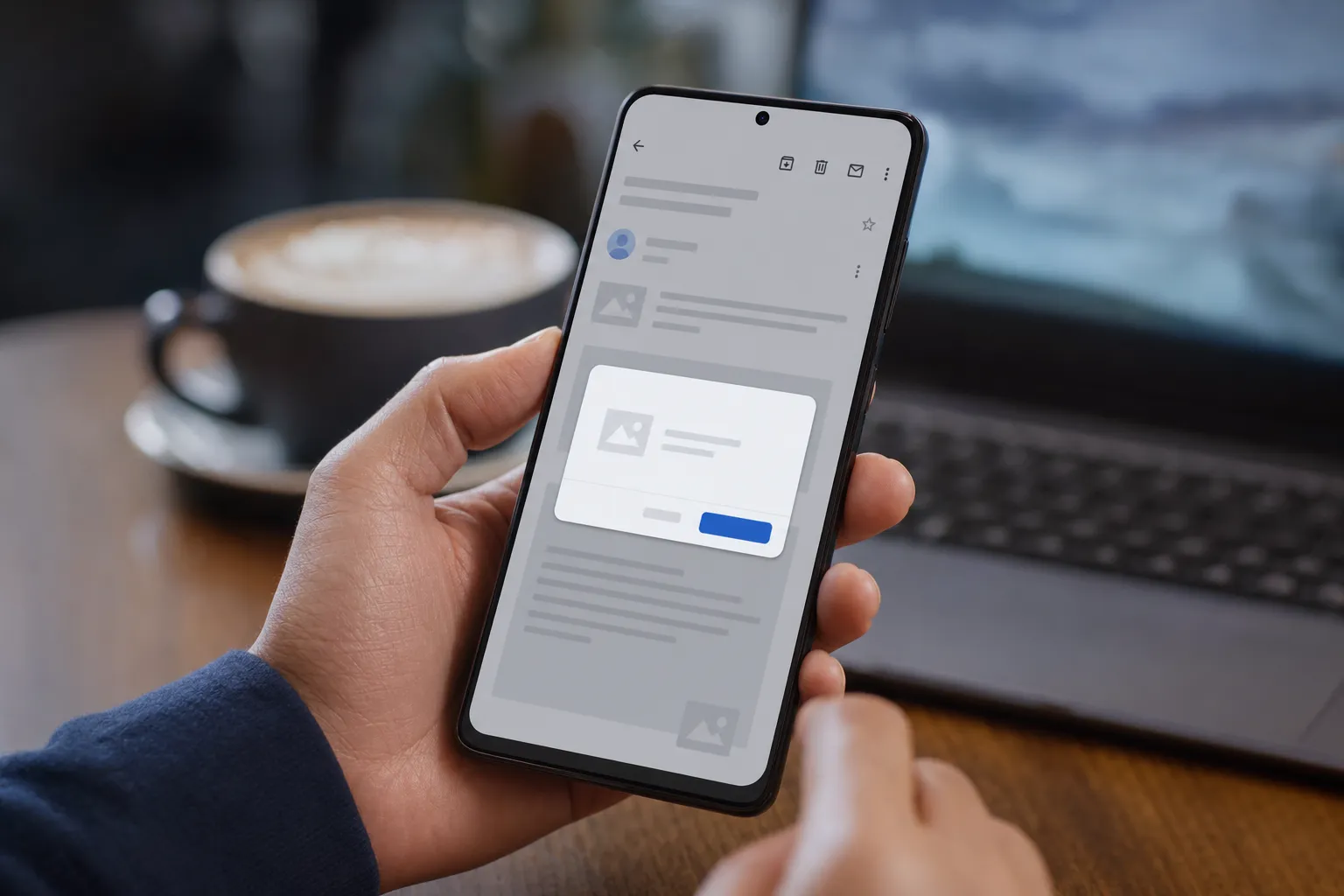
Yes. FairEmail blocks remote images by default and tries to spot tracking pixels even after you choose to show images. Its FAQ on tracking images explains that "companies, organizations and even governments use tracking images to see if and when you opened a message," and says the app "will in most cases automatically recognize tracking images and replace them by this icon," a small marker in place of the image.
In the privacy settings, three switches do the work. The defaults below come from FairEmail's source code (the GitHub build can ship some different defaults):
- Show no images by default: on. Remote images stay unloaded until you tap.
- Confirm showing images: on. You get a dialog first, with an option to trust a sender permanently.
- Attempt to recognize and disable tracking images: on. The dialog notes that "images recognized as tracking images will not be shown," even when you load the rest.
That last switch is what sets FairEmail apart. Vivaldi Mail works all or nothing per sender: once you load images, the pixel loads too. FairEmail keeps filtering after you say yes.
The tracker lists are opt in
FairEmail can also check images against Disconnect's tracker protection lists. According to FAQ 159, you first download the lists in the privacy settings. In the source, "Use lists to recognize tracking images" and "Automatically update lists weekly" both default to off. The FAQ adds a limit worth knowing: tracking images are not recognized when Disconnect classifies the domain as "Content." Without the lists, you rely on FairEmail's built in recognition, which the FAQ itself hedges with "in most cases."
Does FairEmail Strip Tracking Links?
Only partly by default. FairEmail asks before opening any link, but it removes tracking parameters only when you tell it to. "Confirm opening links" is on out of the box, so tapping a link shows you the full address before your browser fetches it. "Remove tracking parameters by default" is off.
In the confirmation dialog you can still clean a link by hand. Per FAQ 118, that option "will remove all UTM parameters from a link." For broader coverage, FAQ 200 describes an optional AdGuard filter list that "contains over 2,000 entries"; when a link matches, the dialog suggests removing its tracking parameters. With Disconnect's lists downloaded, the dialog can also warn "This website might track you."
The limit is structural. Many marketing links carry no UTM tags at all; they point at a redirect domain owned by the email service provider, which logs the click the moment it loads. Stripping parameters cannot hide that. Our explainer on email open tracking vs click tracking covers how the two signals differ.
Does FairEmail Send Read Receipts?
Not on its own. When a message asks for a receipt, FairEmail shows a receipt icon, and in the app's source, tapping it opens a draft reply rather than sending anything. You can also pick "Send read receipt" from the reply menu. The default receipt text reads: "This read receipt only acknowledges that the message was displayed."
Receipts follow the IETF's Message Disposition Notification standard, RFC 8098. FairEmail lets you request them too, under "Request receipt," and is candid about the payoff: "Most providers and email clients ignore receipt requests." For how other privacy focused clients handle the same request, see our reviews of Mailfence read receipts and Roundcube read receipts.
Play Store or GitHub: Which FairEmail Build Is More Private?
They are close, and neither one tracks you, but they talk to different servers. The FAQ on versions says "the GitHub version has some different links, some more features and options, and some different default values (more geared to advanced users)."
- Play Store build: uses Google Play Billing for Pro purchases. The privacy policy says Google's billing library sends "insight into API usage and service connection issues" to firebaselogging.googleapis.com, and says when that happens is "not disclosed by Google."
- GitHub build: checks GitHub for updates and adds optional Gravatar, Libravatar and BIMI avatars, which the Play build drops "due to Play Store policies." Gravatar receives an MD5 hash of sender addresses, but only if you enable it.
- F-Droid build: no OAuth, because, per FAQ 147, "OAuth access is available only for Play Store and GitHub releases." For Gmail that means an app password instead.
Pro does not change your privacy. The README says "all pro features are convenience or advanced features"; none of the image or link protections above sit behind the paywall.
What Does Google Still See When You Use FairEmail With Gmail?
Google still sees everything it saw before, because your mail still lives on Gmail's servers. FairEmail's privacy policy says "Google API Services are used only to authenticate Gmail accounts through OAuth"; after that, the app syncs over IMAP. Server side processing such as spam filtering and inbox categories happens on Google's side, whichever app you read with. Google's smart features page says "when smart features are on, your data may be used to improve these features."
The image proxy is the subtle trade. Google's Gmail images help page promises that "senders can't use image loading to get information about your computer or location." The page describes Gmail on the web and in Google's apps, and says nothing about IMAP clients. FairEmail's FAQ 35 takes the contrarian view: because the proxy fetches images from the sender in real time, it calls the setup "even less secure, because Google is involved, too, without providing much benefit." The flip side: when you do tap "show images" in FairEmail, the app fetches them itself, and the FAQ warns that this "might not only tell the sender that you have seen the message, but will also leak your IP address."
Why Gmail Users Should Care
If you read Gmail in FairEmail on your phone, you probably also open mail.google.com on a laptop, and that tab gets none of FairEmail's protection. Google's own help page says "by default, when you get an email with an image, you'll see the image automatically." The same newsletter that stays silent on your phone can log an open on your desktop.
The tracking itself is widespread. The Princeton study I never signed up for this! Privacy implications of email tracking found that "about 30% of emails leak the recipient's email address to one or more of these third parties when they are viewed," and that "further leaks occur if the recipient clicks links in emails." The EFF's 2019 call to email clients, which FairEmail's policy says it follows, puts the stakes plainly: "Email senders can monitor who opens which emails, when, and what device they use to do it."
Here is the part most reviews miss. The same Princeton paper tested 16 mail servers and clients, found their defenses "far from comprehensive," and proposed "stripping tracking tags from emails based on enhanced versions of existing web tracking protection lists." FairEmail built a version of exactly that, using Disconnect's lists. But it ships those lists switched off. A default install gets the image block and the built in heuristics, not the research grade defense the app is capable of.
FairEmail vs Other Ways to Block Email Tracking
FairEmail only protects the device it runs on. Here is how it compares with the alternatives a Gmail user is likely to weigh; our full Gmail email tracking blocker comparison tests the desktop options side by side.
- FairEmail (Android): remote images off by default, tracking pixel recognition on, optional Disconnect and AdGuard lists, manual link cleaning. Free, with paid Pro extras.
- Thunderbird for Android: the project README says it "is based on K-9 Mail," and its source sets remote pictures to never by default. Its image setting offers never, always, or only from contacts, and we found no separate tracking pixel filter like FairEmail's. See our guide to Thunderbird on the desktop.
- Gmail's own setting: "Ask before displaying external images" in Gmail's settings on a computer. It blocks trackers and every legitimate image alike.
- Gmail's image proxy alone: hides your IP and location, but the sender still learns that and when you opened the message.
- Gblock (Gmail in desktop Chrome): blocks known tracking pixels from a blocklist while normal images keep loading, and strips tracking parameters from links. It is a paid extension and does not run inside the Gmail Android app or FairEmail.
No single tool covers every screen. For phones in general, see our walkthrough on how to block email tracking on iPhone and Android.
How to Lock Down FairEmail in 5 Steps
All of these live on the privacy settings tab page, and the names match FairEmail's own labels in its GitHub repository.
- Download Disconnect's lists, then turn on "Use lists to recognize tracking images" and "Automatically update lists weekly."
- Turn on "Remove tracking parameters by default" so every link you confirm loses its UTM tags.
- Enable "Use AdGuard filter list" for parameters beyond UTM, and accept the short delay before the link dialog appears.
- Turn on "Use generic browser user agent" so images you do load reveal less about your phone. The app warns some servers reject it.
- Be stingy with "Do not ask this again" on the image dialog. Every trusted sender is a sender who can see your opens.
Then fix the desktop side: in Gmail on the web, either switch on "Ask before displaying external images" or install a blocker that targets known trackers. Our guide to Gmail read receipts explains what each option stops.
The Quick Answer
Is FairEmail tracking you? No. Its privacy policy rules out data sent to the developer unless you opt in, and the app blocks remote images and recognizes most tracking pixels by default. Two things are on you: turning on link cleaning and the tracker lists, and protecting Gmail on your computer, where tracking images load automatically.