Sep 29, 2026 · 6 min read
iOS 27 Siri AI Can Read Your Apps: How to Limit It
On September 18, 2026, the Electronic Frontier Foundation published a guide warning that the redesigned Siri in iOS 27 can read app content and what's on your screen, sometimes processing it on Apple servers without telling you. Here is what changed and which switches to flip.
Siri used to set timers and misunderstand song titles. In iOS 27 it behaves like a chatbot that lives inside your phone, with Spotlight and Siri merged into one interface that can search across your apps. That is convenient. It also means an assistant now has a reason to look at your messages, your notes, and whatever happens to be on screen.
The EFF's guide, written by Thorin Klosowski, lays out the problem plainly. You often cannot tell whether your data stayed on the device or went to the cloud.
Key Takeaways
- iOS 27 merges Siri and Spotlight into a single AI assistant that can search content inside your apps, according to the EFF.
- Siri sometimes sends requests to Apple's Private Cloud Compute servers, and the EFF says iOS gives no visual indication when data leaves the phone.
- Siri's on screen awareness can summarize content you are viewing, such as a Signal group chat, and neither users nor app developers can block it.
- The EFF identifies three controls: turning off "Show Content in Search" per app, turning off "Improve Siri & Dictation," and switching back to "Siri Classic" through Screen Time.
What Changed With Siri in iOS 27?
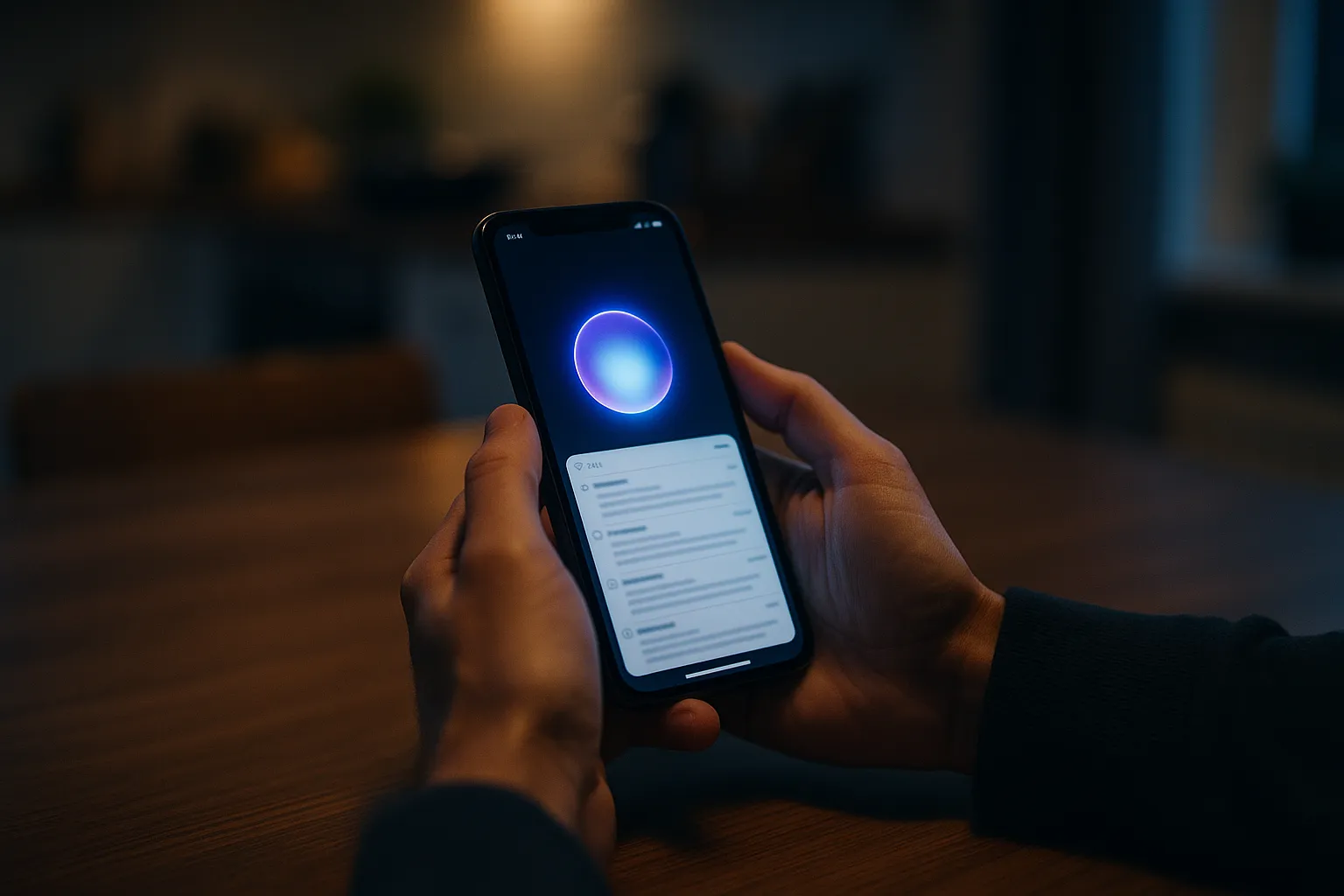
Siri in iOS 27 is no longer a voice command tool; it is an AI assistant that shares one interface with Spotlight search and can pull answers from content stored in your apps. The EFF describes it as functioning "more like an AI chatbot" than the assistant people are used to.
Availability is limited for now. Per the EFF, the AI features run only on the iPhone 15 Pro, iPhone 15 Pro Max, and iPhone 16 models, work only in English, and are not available in every country. If you own one of those phones, though, the new Siri is what you get by default.
This is not Apple's first AI privacy trade. Earlier this year Apple tapped Google Gemini to power parts of Siri while insisting user data would stay protected. iOS 27 widens the scope of what Siri can see in the first place.
When Does Siri Send Your Data Off the Phone?
Siri sends some requests to Apple's Private Cloud Compute (PCC) servers, and iOS 27 does not show you which requests leave the device. The EFF puts it directly: "Sometimes Siri processes this data on your device. Sometimes it uses Apple's Private Cloud Compute (PCC), which means the data is sent off your device to a cloud server."
Apple's own Private Cloud Compute security write-up from June 2024 makes strong promises about those servers:
- Personal data is used "exclusively for the purpose of fulfilling the user's request" and is not retained after the response, including in logs.
- PCC nodes have no remote shell or interactive debugging, so administrators cannot browse user data during an outage.
- Apple commits to publishing production software images and a tamper proof transparency log so outside researchers can check its claims.
Those are serious engineering commitments, and more than most AI assistants offer. The gap the EFF identifies is not about what happens on the server. It is about consent. A promise that the cloud forgets your data is different from letting you decide whether it goes there at all.
Why Is On Screen Awareness the Biggest Concern?
On-screen awareness lets Siri read and act on whatever you are looking at, and the EFF says there is "no way for you or app developers to block this feature." Its example is pointed: you can ask Siri to summarize a Signal group chat you are viewing, and that content "may be sent to PCC." Meta's agent shows the same tension on the Mac, where a columnist says Muse synced his Messages database without consent.
Here is the part most coverage skips. Signal's whole value is that messages are end to end encrypted between devices. The encryption still holds in transit. But once a conversation is decrypted on your screen, an assistant built into the operating system sits above the app, and the app has no way to opt out. For a journalist reading a source's message, a single summary request can move that text into a cloud environment the source never agreed to. The protection model shifts from "only the endpoints see it" to "the endpoints plus Apple's attested servers."
For high risk users, that argues for the most conservative setup available. Apple already offers Lockdown Mode for spyware targets; the Siri Classic switch below is the AI equivalent of that caution.
What This Means for Your Inbox
Your email is probably the richest pile of personal data on your phone: password resets, bank alerts, medical appointments, work threads. An assistant that searches app content and reads the screen can reach all of it. The EFF's per app switch works on any app, so it applies to Apple Mail, the Gmail app, or whichever client you use, and it is the one to prioritize.
There is an important limit, though. Turning off "Show Content in Search" keeps Siri from indexing a mail app's contents, but by the EFF's account it does not stop on screen awareness from reading an email that is open in front of you. If you want both closed, Siri Classic is the only switch the EFF lists that does it.
This is also a different layer from the tracking that happens inside email itself. Senders still embed pixels to learn when you open a message; if that's your worry, see our guide on stopping email tracking in Apple Mail and Outlook. Siri settings govern what your phone's assistant sees, not what marketers see.
How Do You Limit What Siri Can Access?
You can limit Siri with three settings the EFF documented, ordered here from lightest to strongest:
- Hide app content from search. Go to Settings > Apps > [app name] > Search and turn off "Show Content in Search." Repeat for your mail app, messaging apps, notes, and anything else sensitive. There is no single master toggle, so this is app by app.
- Stop contributing training data. Go to Settings > Privacy & Security > Analytics & Improvements and turn off "Improve Siri & Dictation."
- Go back to the old Siri. Go to Settings > Screen Time > Content & Privacy Restrictions, turn restrictions on, then open Siri > "Allowed Siri Version" and choose "Siri Classic." This is the only option that removes the AI assistant, on screen awareness included.
Tucking a privacy choice inside Screen Time, a menu built for parental controls, tells you how Apple ranks it. Most people will never find it without a guide.
What Should Apple Fix?
The EFF asks Apple for three changes: an on device only mode for Siri AI, a single toggle that keeps all AI features out of a given app, and a clear visual signal showing whether a request is handled locally or in the cloud.
None of that would require Apple to give up PCC. It would simply give users the choice Apple's own architecture already makes possible. Until then, the practical rule is simple: if a conversation should never leave your phone, don't read it with the new Siri enabled.